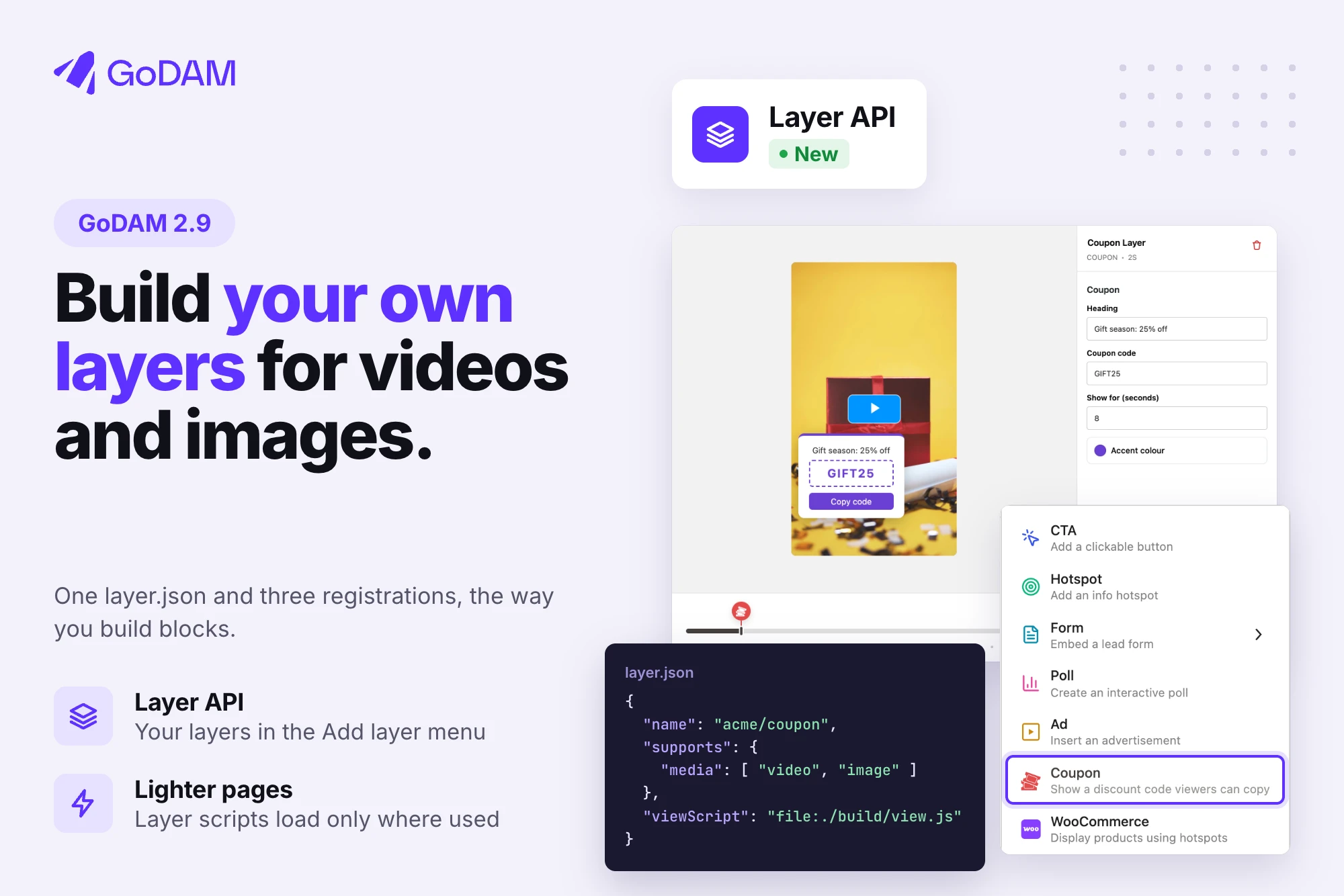
Layers are what make a GoDAM video do more than play: a call to action, a lead form, a poll, a hotspot, an ad. Until now, the layers you could add were the ones GoDAM shipped. If your site needed something else, such as a coupon, a booking button or a quiz from your own plugin, there was no clean way to build it.
GoDAM 2.9 changes that. The new Layer API lets developers build their own layer types, the way they build blocks for the WordPress block editor. A custom layer sits in the same Add layer menu as GoDAM’s own layers, is edited in the same sidebar, and shows on videos and on GoDAM Image blocks.
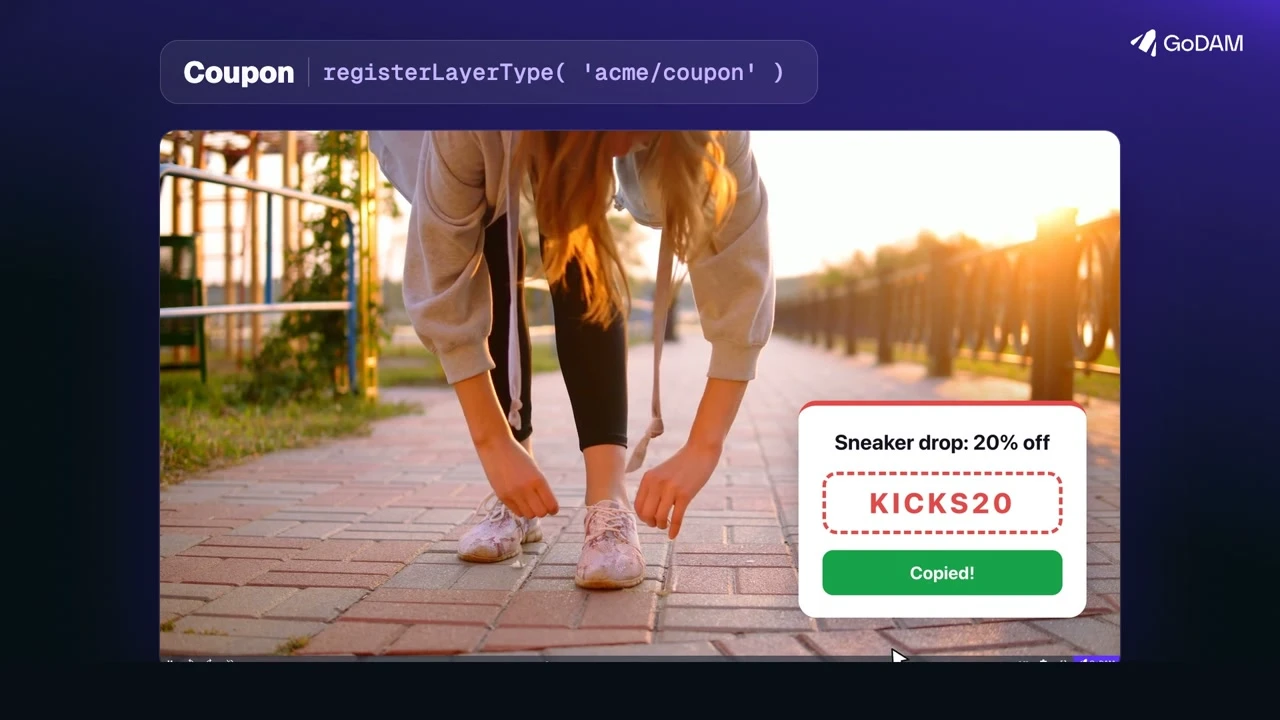
Build a layer like you build a block
A layer type is a layer.json file that names the layer and lists its settings, plus three small registrations:
- one in PHP to show it in the player;
- one in the media editor for its settings panel;
- one on the page for how it behaves.
If you’ve built a block, you’ll recognise every step.
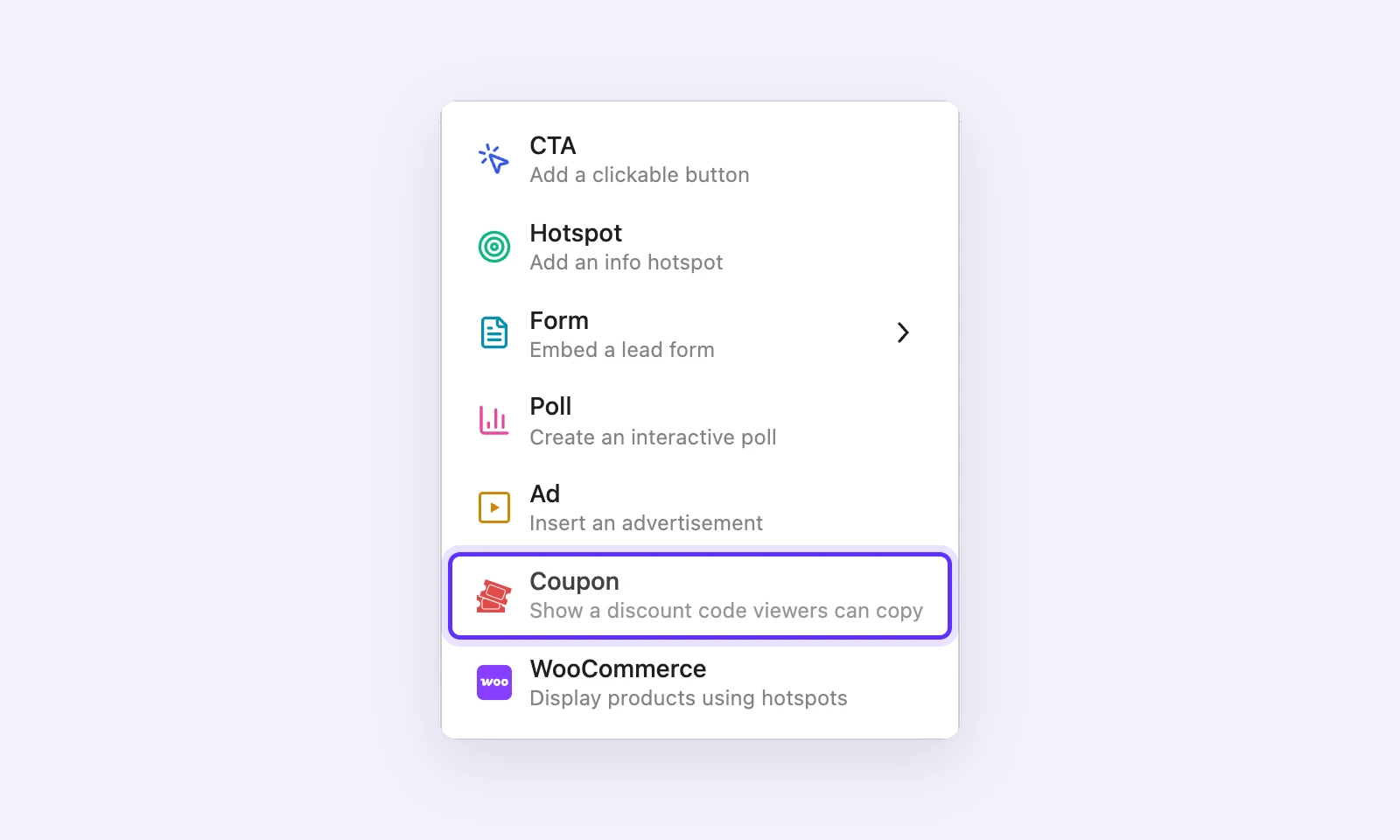
GoDAM handles the rest:
- the marker on the video timeline;
- saving the layer’s settings and cleaning them;
- loading its script only on pages that use it.
Our new developer guide builds a complete example: a Coupon layer that shows a discount code at a chosen moment in a video, or straight away on an image, with a Copy code button.
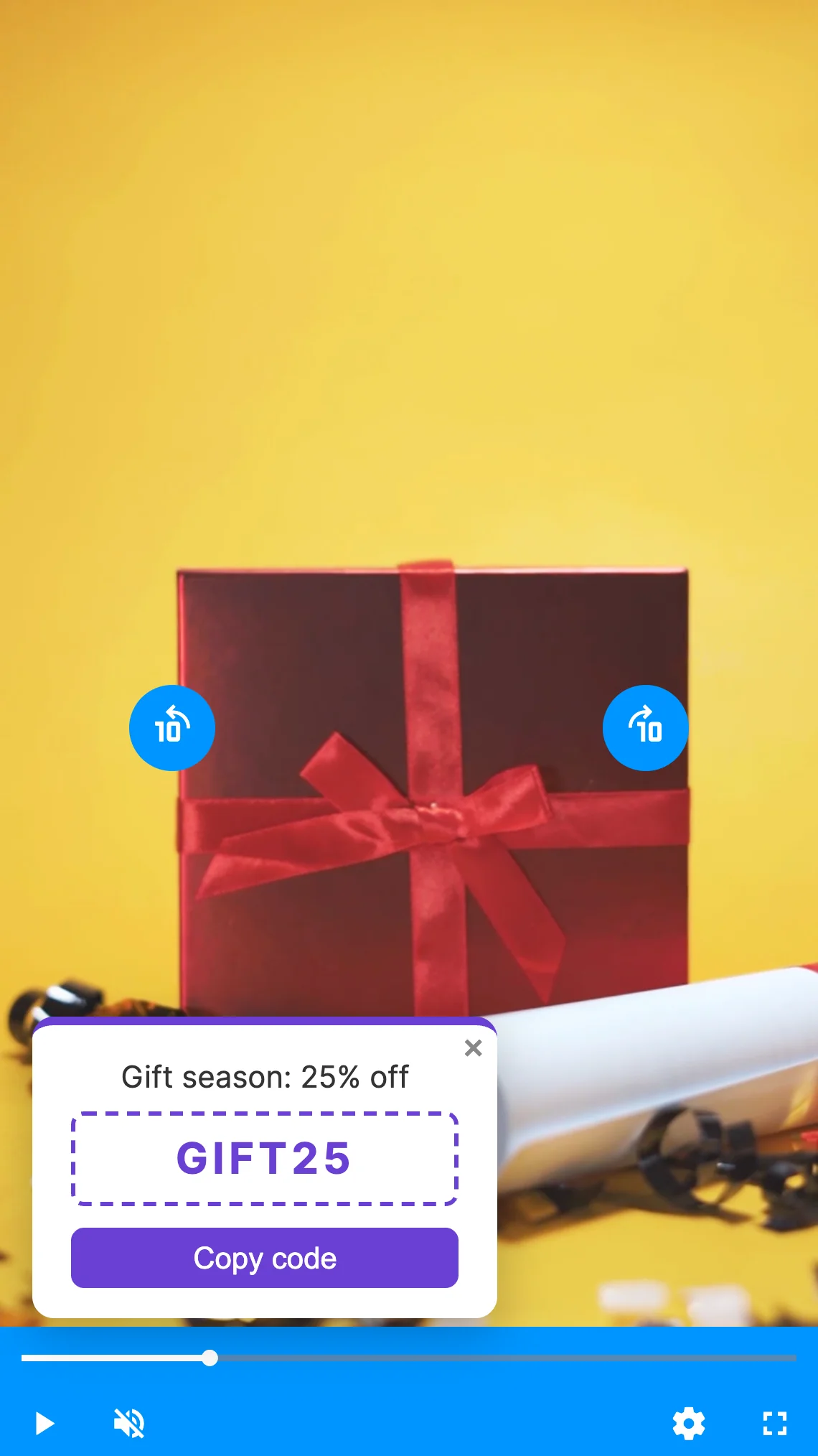
Read the guide: Build your own layer for GoDAM videos and images.
GoDAM’s own layers run on it too
CTA, forms, hotspots, polls and ads are now built on the same Layer API, so a custom layer gets exactly what they get. Layers you’ve already added keep working as before. There’s nothing to change after you update.
Lighter pages
Each layer’s script now loads only on pages that show that kind of layer. A page with a poll no longer loads the scripts for hotspots, ads and forms.
For add-on developers
If your plugin adds layers through the older hooks, it keeps working in GoDAM 2.9 and 2.10, with a deprecation notice. Those hooks are:
godam_video_editor_layer_options;godam_video_editor_layer_components;godam_player_render_layer;- the
window.godamLayer*globals.
They’re removed in GoDAM 2.11. Moving from the old hooks shows what to use instead of each one.
For WooCommerce stores
GoDAM for WooCommerce 2.4 moves product hotspots onto the Layer API. They work as before, on videos and images, and their script now loads only on pages that show product hotspots. GoDAM for WooCommerce 2.4 needs GoDAM 2.9, so update GoDAM first.
New to GoDAM?
GoDAM hosts and plays your videos right inside WordPress. Start free for 60 days, then install the GoDAM plugin from WordPress.org and connect it to your account. The Layer API is part of the free plugin.