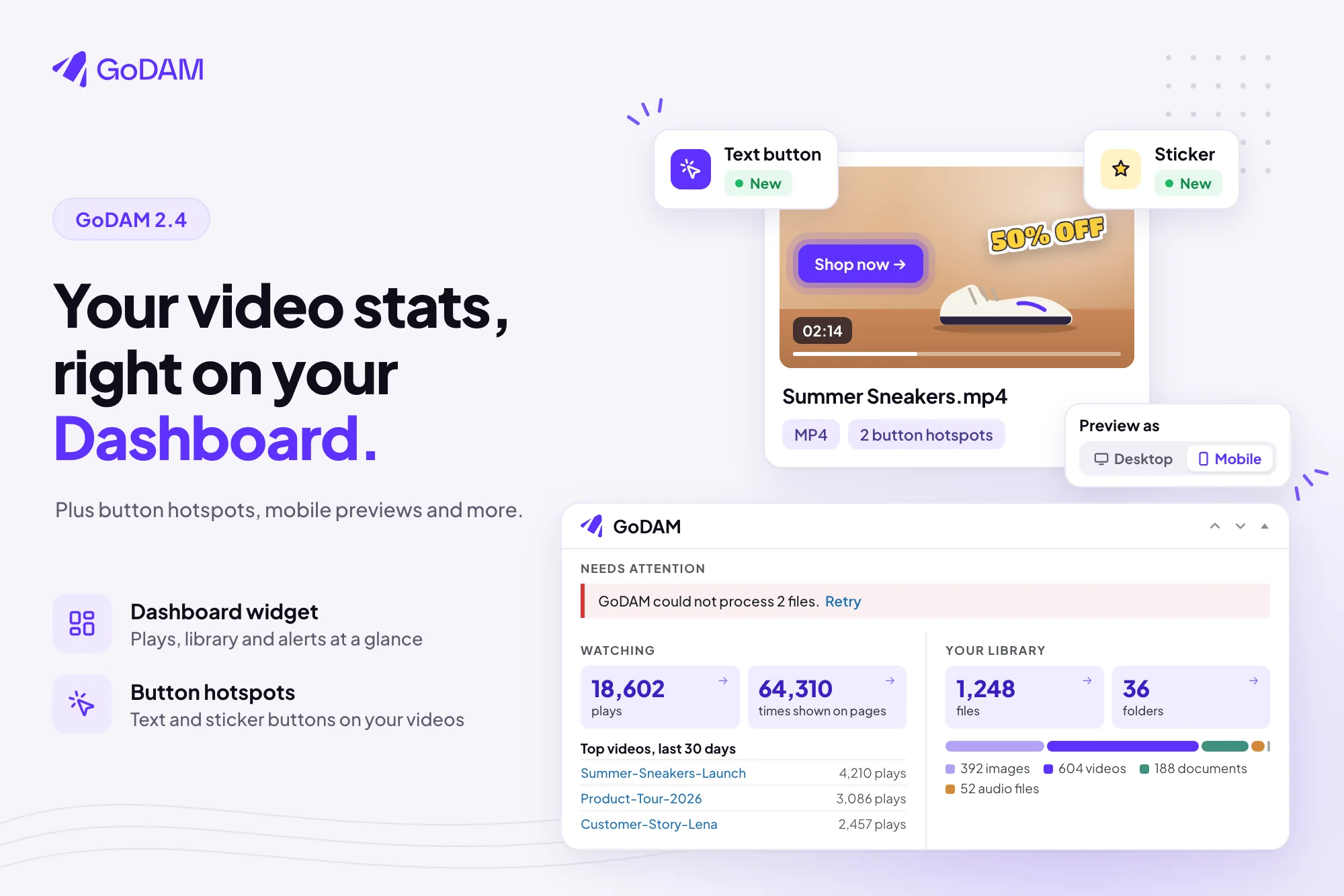
Until now, you had to open GoDAM to see how your videos were doing. GoDAM 2.4 puts that on the WordPress Dashboard you already land on: what needs fixing, how your videos were watched in the last 30 days, and what your media library holds.
This release also gives the Hotspot layer a Button style, adds a Desktop and Mobile switch to the media preview page, and keeps your site connected when GoDAM’s servers are slow.
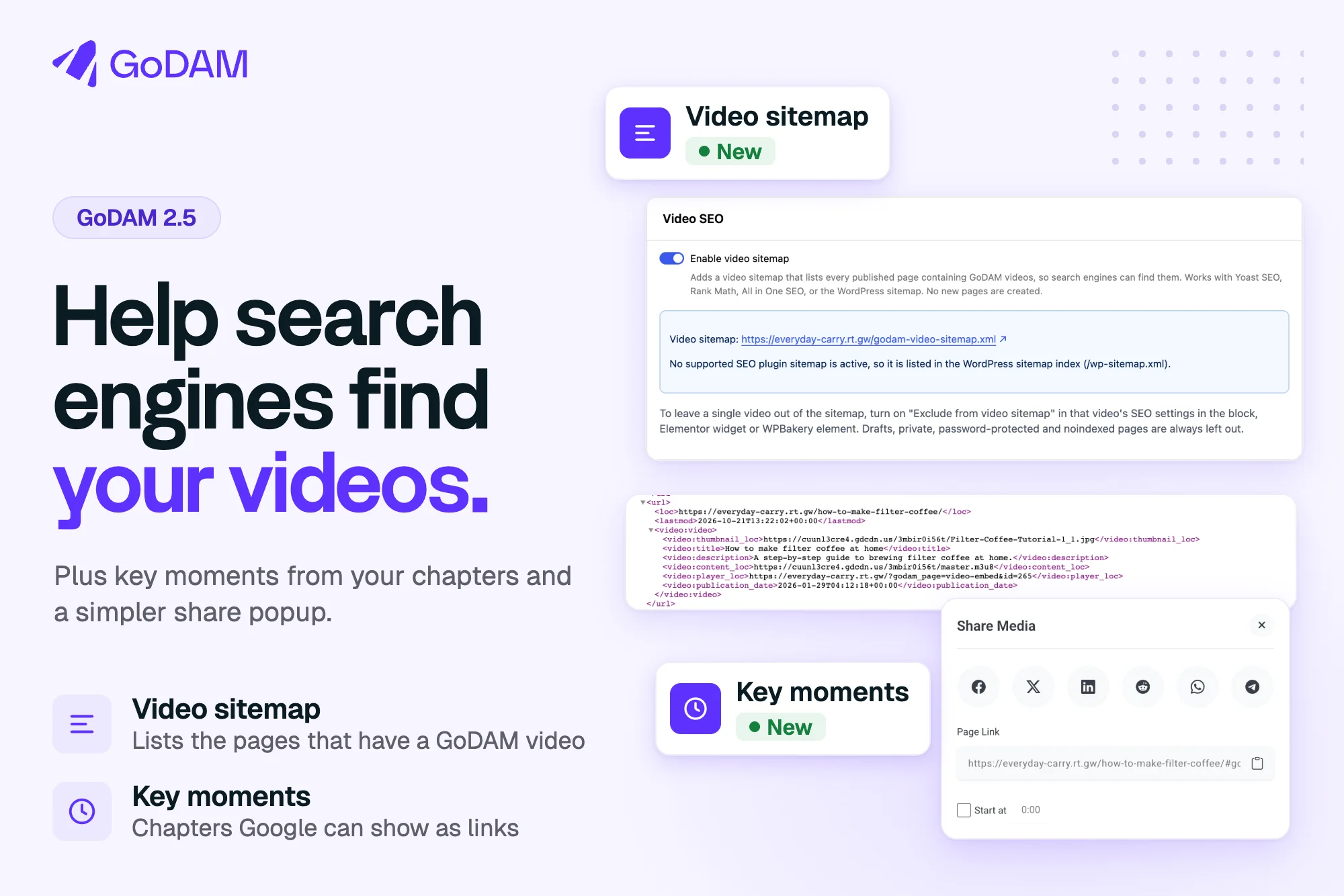
See what GoDAM is doing for your site, right on the Dashboard
The new GoDAM widget sits on the WordPress Dashboard and sums up your site in number tiles. It has up to four parts:
- Needs attention shows only when something needs a fix: an expired or unverified API key, storage or bandwidth at 80% or more, or files GoDAM couldn’t process.
- Watching shows hours watched, plays, viewers, countries reached and times your videos were shown on pages, with plays per day and your top three videos of the last 30 days.
- Your library counts your files, folders, files in use and hours of video, with a bar of file types. It works even before you add an API key.
- Ready to stream and preview counts the videos, audio files and documents GoDAM has processed.
A tile shows up once its number is big enough to be useful, and stays after that. Tiles link to the GoDAM dashboard or straight to the matching view of your Media Library. If you’d rather not see it, hide it from Screen Options, and the Dashboard loads nothing for it.
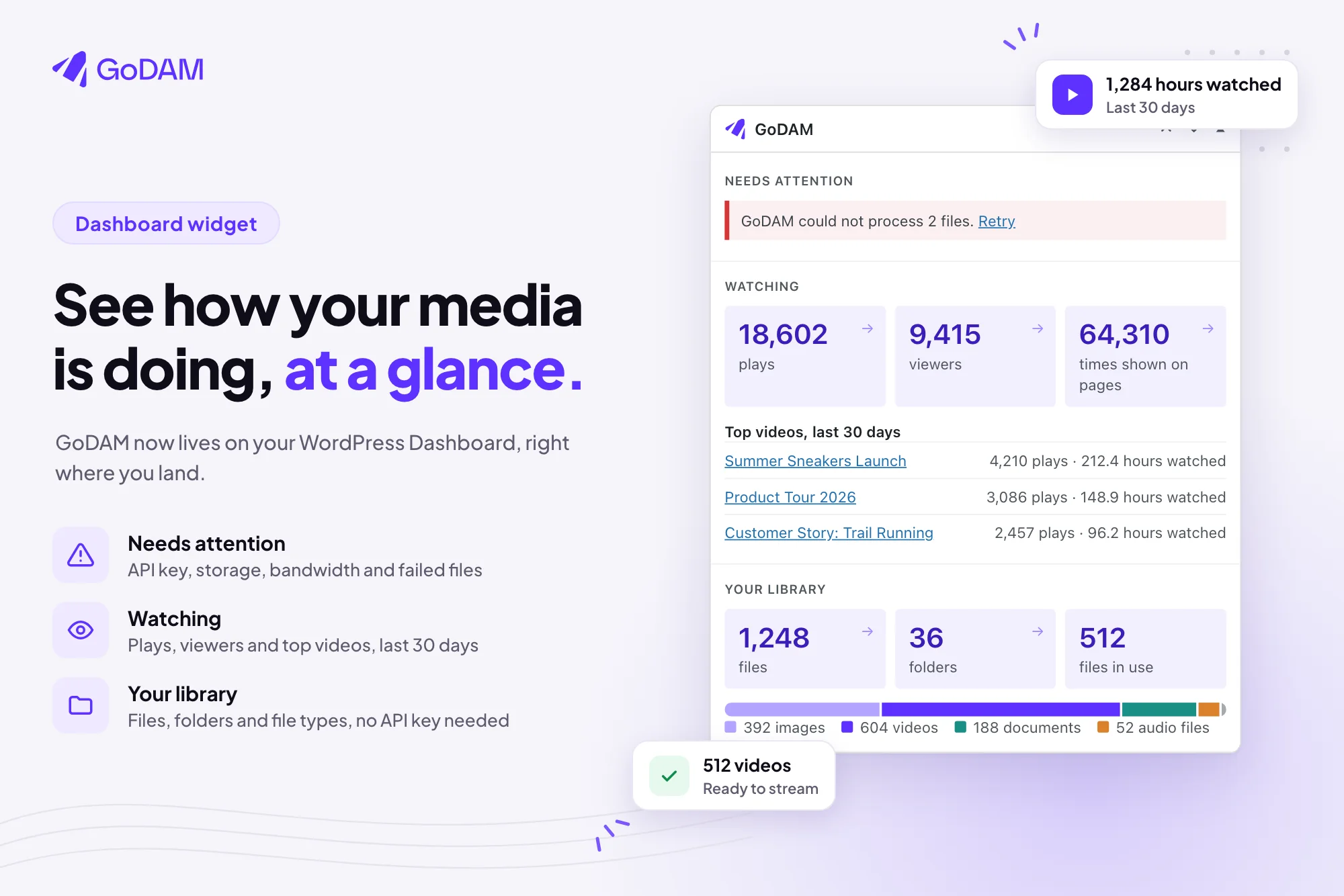
Turn hotspots into buttons
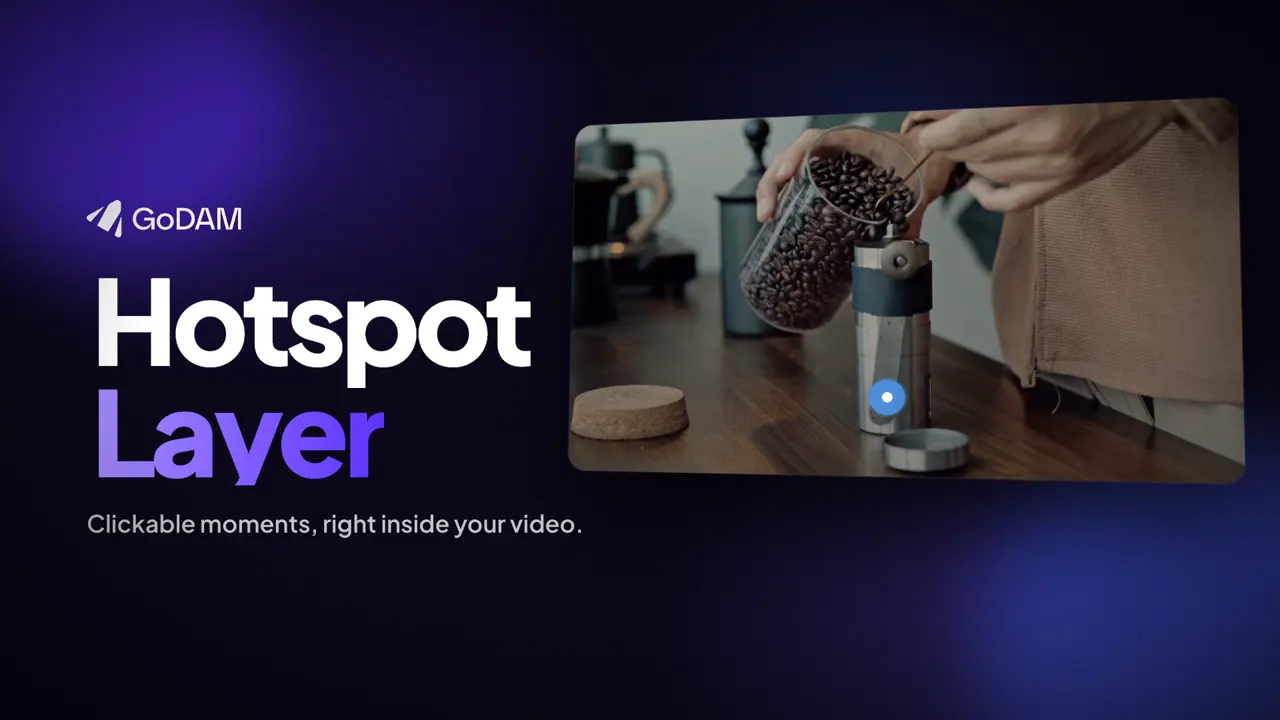
The Hotspot layer has a new Button style, next to Pulse and Icon. Pick it, and each hotspot shows as a clickable button instead of a circle. For each one you choose:
- Type: a Text button, or a Sticker with a bold die-cut look
- Button text and the link it opens in a new tab
- Colours: background, text and their hover colours, or one fill colour for a sticker
- Attention animation: None, Pulse, Border waves or Glow
Drag and resize buttons as you like. Their size scales with the player, and they stay inside the video on small screens. Switch back to Pulse or Icon any time, and your circles come back at their old size. Button clicks, hovers and views count in layer analytics, like any other hotspot.
A few more things worth knowing
Preview media at desktop and phone width
The media preview page now has a Desktop / Mobile switch at the top. Mobile narrows the preview to a phone-width column, so you can check a video, image or audio file the way a phone visitor will see it. GoDAM remembers your choice for the next preview.
Usage tracking starts only when you say yes
GoDAM’s product analytics for its own admin screens now start only after an admin clicks Allow in the Dashboard notice, or turns on Help us improve GoDAM on the Help page. Adding or saving an API key no longer turns it on, and never undoes an opt-out. If an older version turned tracking on for your site, GoDAM asks you once more. The readme now lists exactly what is sent.
The feedback box shown when you deactivate GoDAM also says what Submit & Deactivate sends to godam.io, and that Skip & Deactivate sends nothing.
The Audio block accepts .webm audio
You can now pick a .webm audio file in the GoDAM Audio block, such as a voice recording from a form, from the GoDAM tab or as a fresh upload. Before, the block refused these files as “not audio”.
GoDAM stays connected when its servers are slow
A slow or temporary error from GoDAM no longer disconnects your site or marks a valid API key as expired. GoDAM waits longer for an answer, keeps a key that checked out in the last 24 hours, and tries again after 5 minutes.