Keeping your WordPress Media Library organized is easy when your site is new. A few dozen images, some PDFs, and the occasional video don’t create much clutter.
Fast forward a couple of years, and that’s rarely the case.
Your Media Library fills up with blog graphics, product photos, downloadable resources, videos, screenshots, and marketing assets. Finding one file can take longer than adding it to the page you’re working on.
That’s the problem FileBird solves. Adding folders to the WordPress Media Library, it makes organizing files much easier without changing how WordPress works.
For many websites, that’s enough. But folders aren’t the only way to organize media.
Some websites need cloud storage integrations. Others need AI to handle repetitive tasks like captions and metadata. Agencies may want to share assets across multiple WordPress sites, while community platforms care more about user uploads, moderation, and privacy than folder structures.
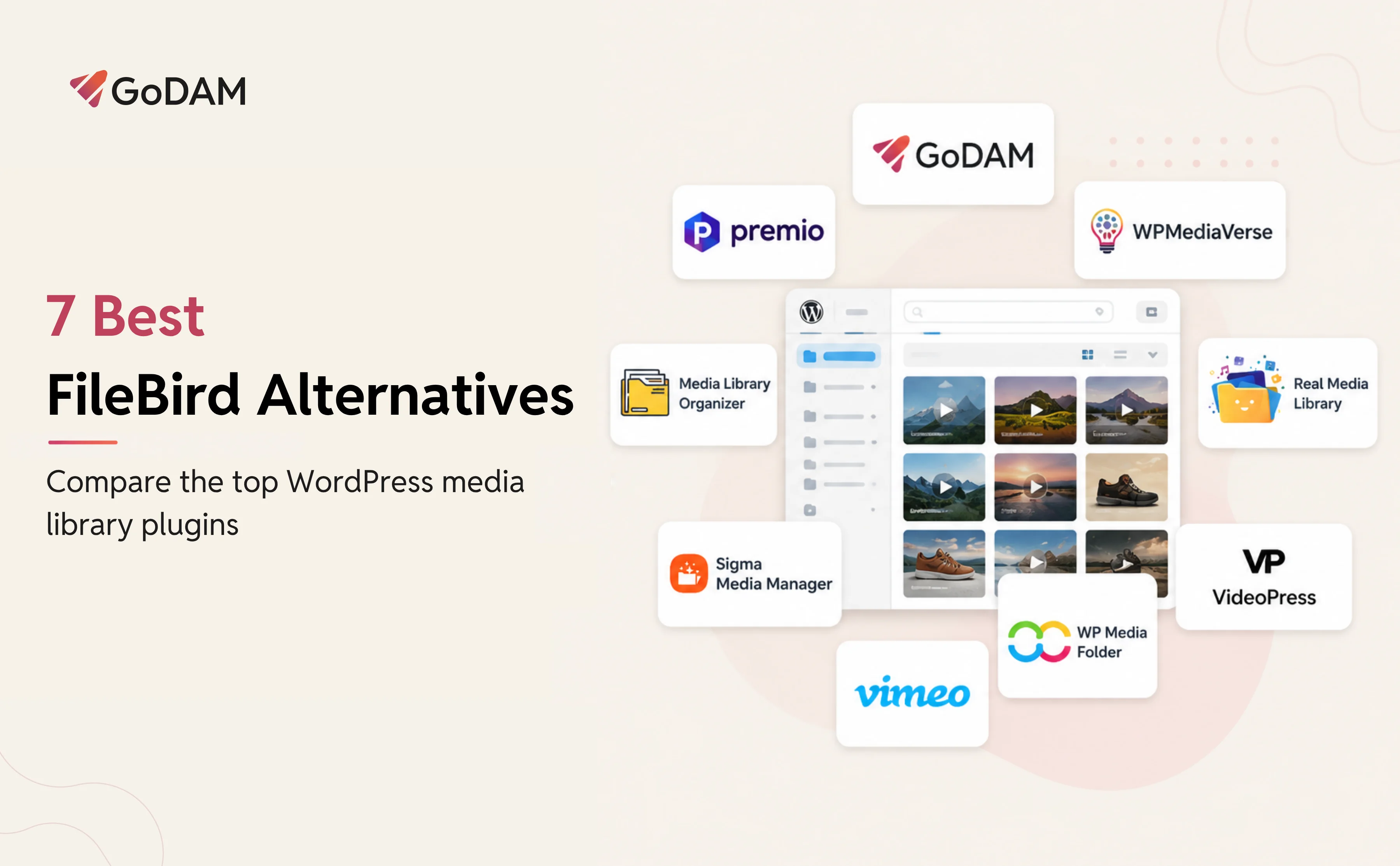
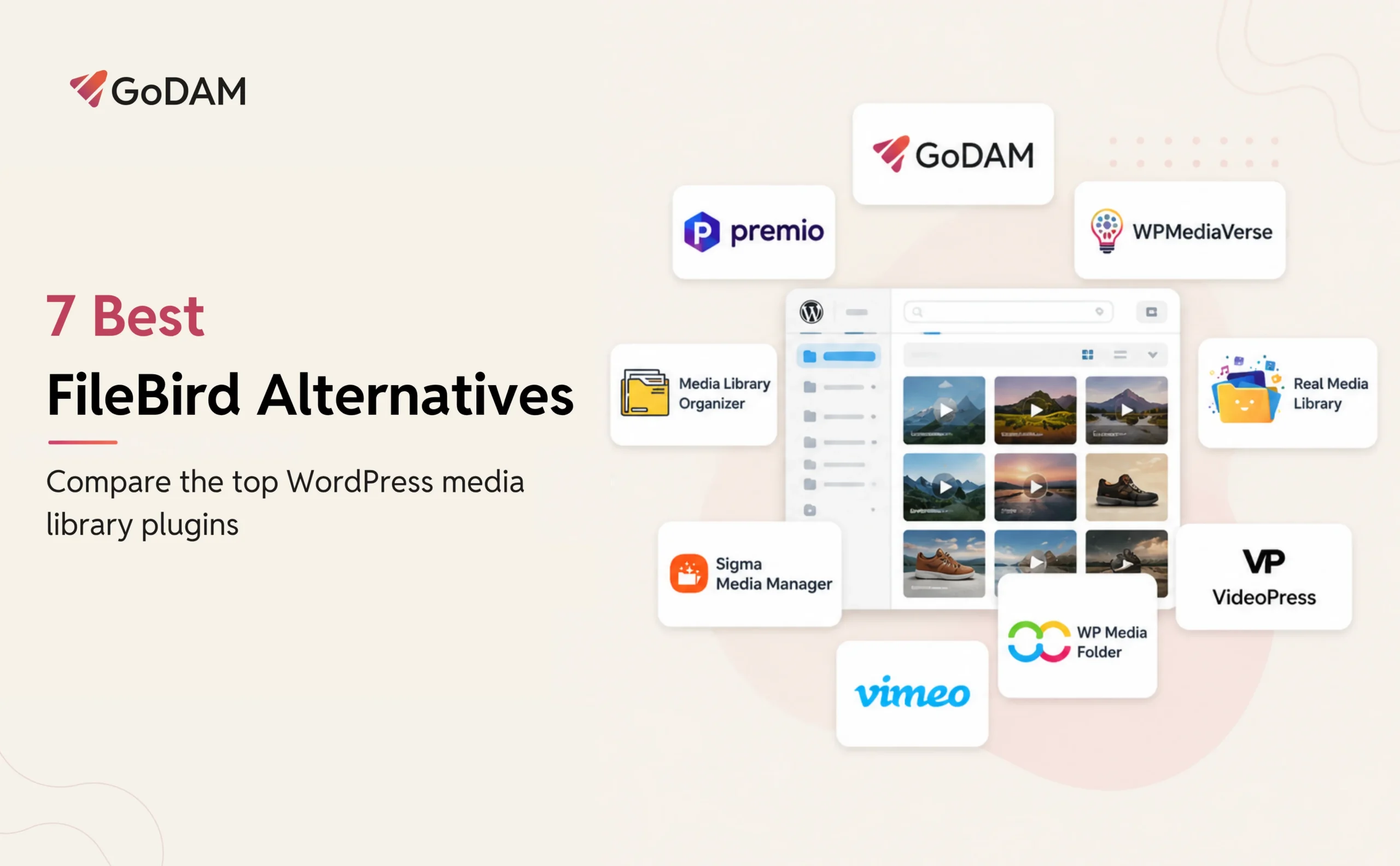
In this guide, we’ll compare the best FileBird alternatives for WordPress in 2026, explain where each one works best, and help you choose the right option for your site.
1. GoDAM
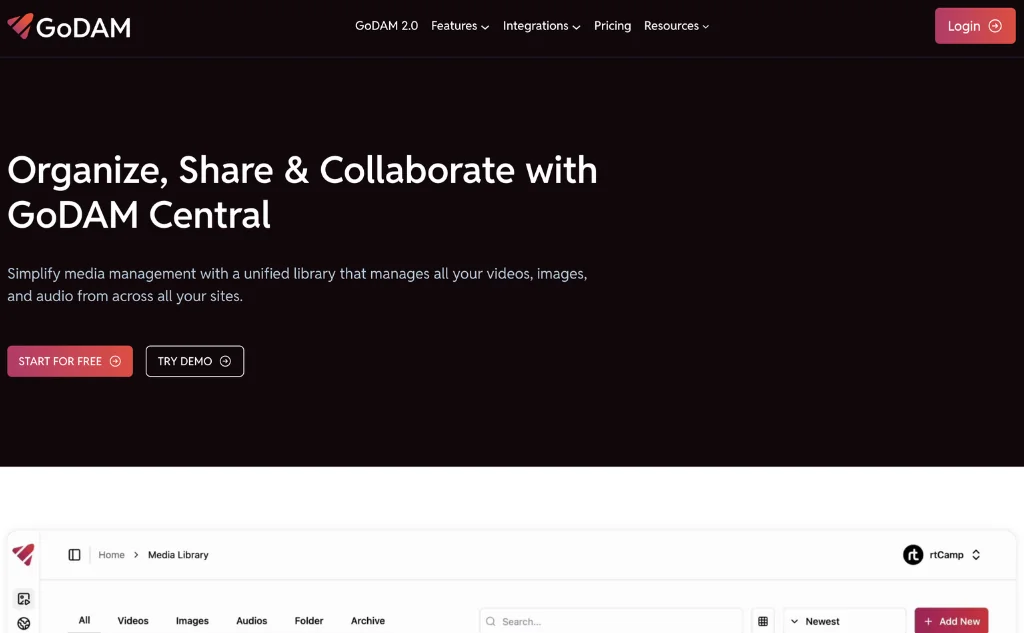
GoDAM goes beyond folder management by turning the WordPress Media Library into a complete digital asset management (DAM) system. Alongside folders, bulk actions, and fast search, it adds AI automation, cloud integrations, advanced video management, and multi-site asset sharing.
Creating folders and subfolders feels much like FileBird. You can drag files into place, move multiple items at once, and use right-click shortcuts for common actions. If you’re working with thousands of assets, those small improvements save a surprising amount of time.
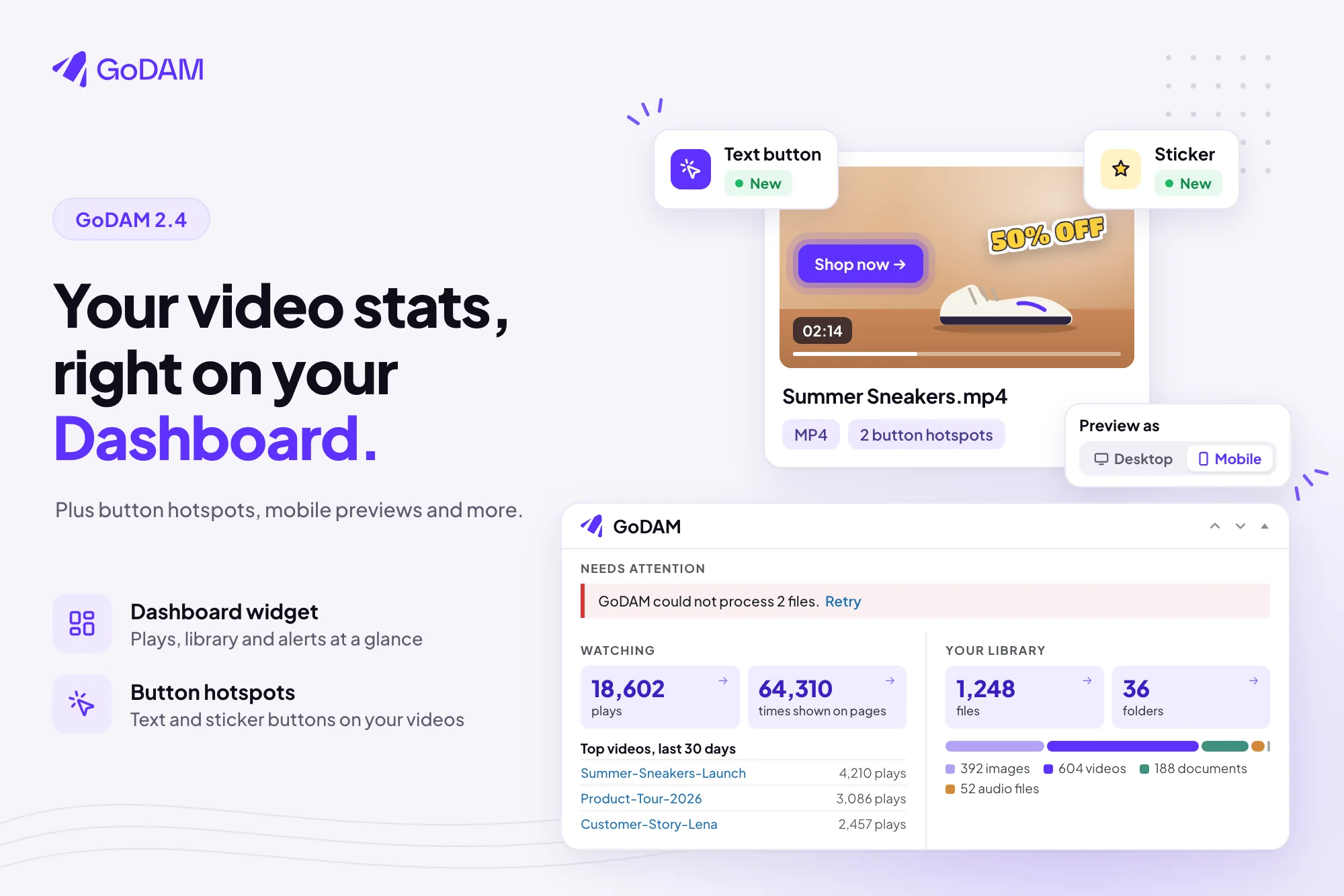
Where GoDAM stands out is its integrated media platform. It includes cloud video hosting, automatic video transcoding, adaptive video quality, a customizable video player, and global CDN delivery. Interactive video features such as hotspots, polls, lead capture forms, chapters, and calls to action help turn videos into engaging experiences rather than simple media files.
It’s also built for teams that publish video content. Beyond storing videos, you can create custom players and galleries, add interactive overlays, collect leads with forms, display polls and CTAs, stream videos with adaptive bitrate technology, and track viewer engagement with built-in analytics.
For agencies, Central Media Manager lets you upload an asset once and reuse it across connected WordPress sites, helping maintain consistent branding while avoiding duplicate uploads.
Key Features
- Drag-and-drop folders and subfolders
- AI-generated titles, captions, and metadata
- Central Media Manager
- Cloud storage and CDN support
- Advanced video management
- Built-in media analytics
Pros
- Goes far beyond basic folder management
- Handles growing media libraries without feeling restrictive
- AI cuts down repetitive work
- Excellent video publishing tools
Cons
- Some cloud and advanced video features require the Pro version
- More than smaller websites will probably need
Pricing
GoDAM offers a 60-day free trial with access to all features and no credit card required. Paid plans start at $90/year, with higher tiers increasing storage, bandwidth, and AI transcription limits for growing teams.
2. WPMediaVerse
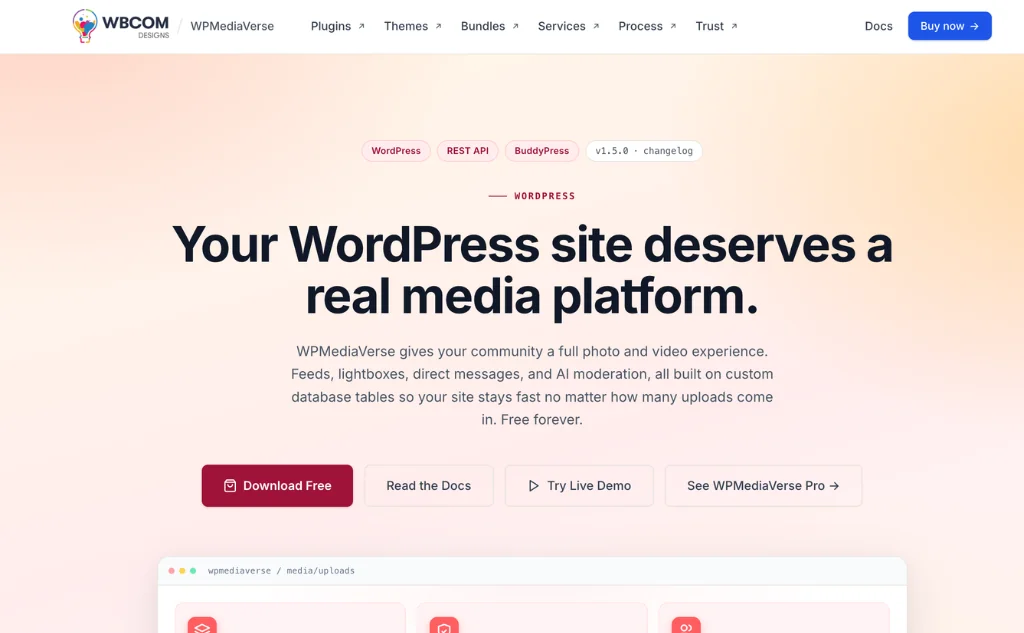
Unlike traditional media library plugins, WPMediaVerse focuses on how members upload, discover, and interact with content. Instead of organizing files behind the scenes, it adds social features that encourage user participation.
Members can upload photos and videos, react to posts, leave comments, tag other users, and exchange private messages without leaving your website. Multiple gallery layouts make user-generated content feel more like a social platform than a standard media gallery.
Built-in AI moderation automatically reviews uploads before they’re published, helping administrators reduce manual moderation while maintaining content quality.
Privacy controls let members decide who can view their uploads, whether that’s everyone, registered users, friends, or only themselves. This makes the plugin well suited for private communities, membership sites, and online learning platforms.
To encourage engagement, WPMediaVerse also includes badges, points, and rewards that recognize active community members.
Key features
- Social media-style photo and video galleries
- AI-powered content moderation
- Private messaging
- Activity feeds with reactions and comments
- Flexible privacy controls
- Gamification with badges and rewards
Pros
- Built for community-driven websites
- Strong moderation and privacy features
- Encourages long-term member engagement
Cons
- Focuses on community features rather than media organization
- More than standard business websites typically need
Pricing
WPMediaVerse includes a free version with unlimited sites and core features, including AI moderation, social interactions, BuddyPress integration, REST API, and Gutenberg blocks. Pro plans start at $48/year or $139 lifetime for one site, while the Agency plan costs $139/year or $349 lifetime for unlimited websites.
3. WP Media Folder
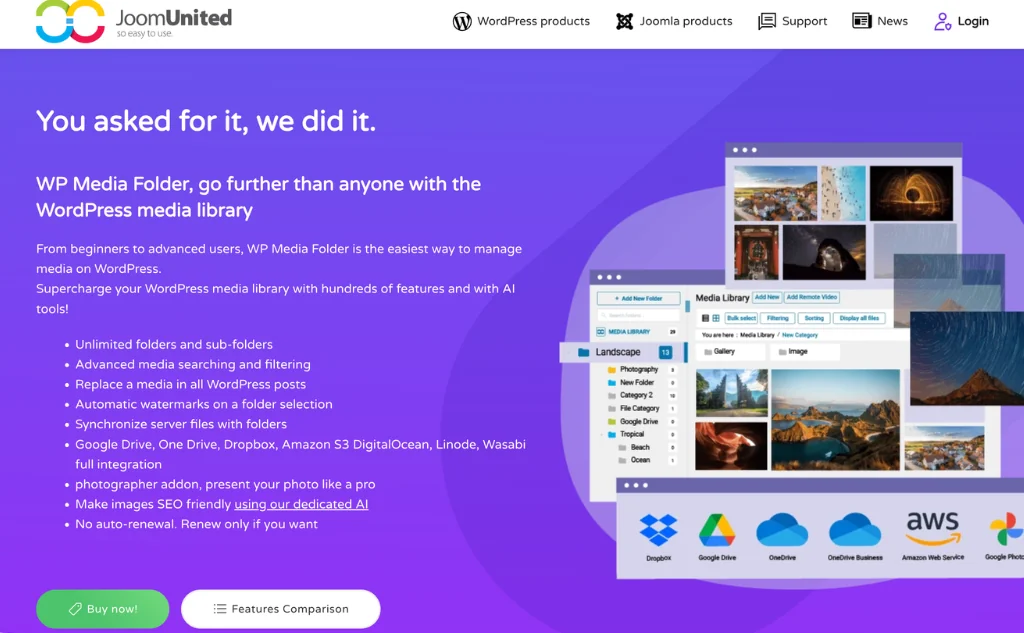
WP Media Folder is designed for teams that manage assets across both WordPress and cloud storage. It connects your Media Library with services like Google Drive, Dropbox, and OneDrive, making it easier to access and manage files without switching between platforms.
The folder system is simple and familiar. Create folders, organize files with drag and drop, and keep your Media Library structured as it grows.
A standout feature is file replacement. Update an image or document without changing its URL, so existing pages and downloads continue working without additional edits.
WP Media Folder also includes a gallery builder and integrates with WooCommerce, the Block Editor, and popular page builders, making it a strong choice for business websites, online stores, and content-heavy blogs.
Key features
- Google Drive, Dropbox, and OneDrive integration
- Folder and subfolder management
- File replacement without broken links
- Gallery builder
- WooCommerce compatibility
- Advanced sorting options
Pros
- Excellent cloud storage integration
- Simplifies collaborative workflows
- Reliable gallery management
Cons
- No free version
- Some cloud services require additional setup
Pricing
WP Media Folder starts at $49 for a one-year license, including one year of updates and support. A $69 plan bundles the plugin with the Gallery and Cloud add-ons, while AI features are available as an additional add-on.
4. Folders by Premio
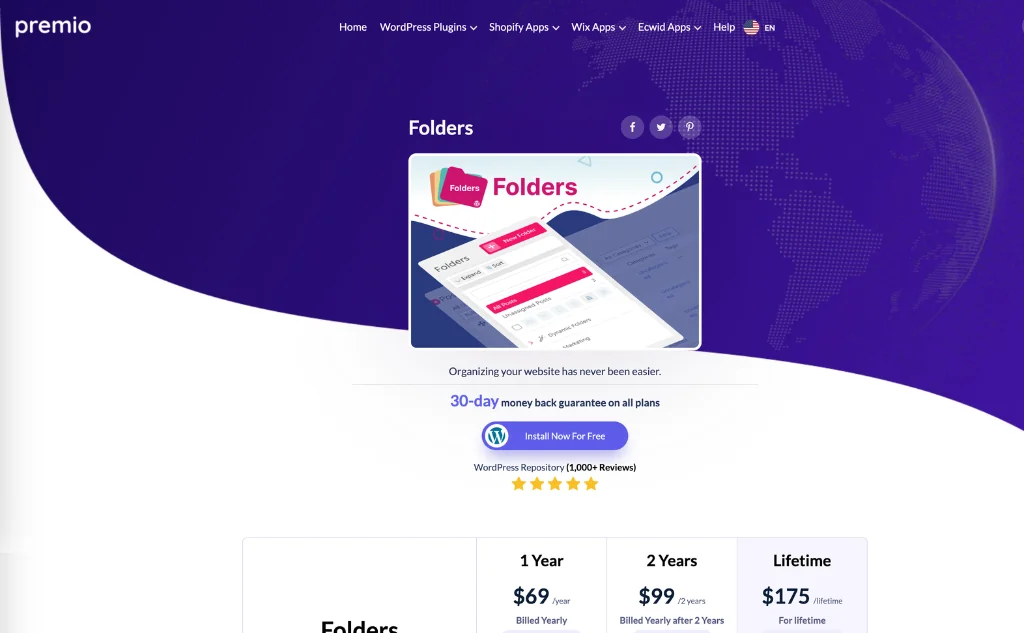
Folders by Premio extends folder management beyond the Media Library. You can organize posts, pages, WooCommerce products, custom post types, and media files using the same folder structure, making the WordPress admin area easier to manage.
The interface is beginner-friendly, with drag-and-drop organization, subfolders, and color labels for quicker navigation. It also works with many popular plugins and page builders, so you can improve organization without changing your existing workflow.
The free version covers basic organization, while Pro unlocks more advanced management features for larger websites.
Key features
- Organize media, posts, pages, and products
- Folder and subfolder support
- Color labels
- Drag-and-drop organization
- WooCommerce support
- Custom post type compatibility
Pros
- Organizes multiple WordPress content types
- Easy to learn and use
- Broad plugin compatibility
Cons
- Advanced features require Pro
- Folder limits in the free version
Pricing
Folders offers a free version with basic organization features. Pro plans start at $49/year (currently discounted from $79) for one website, with 2-year ($99) and lifetime ($175) license options available.
5. Real Media Library
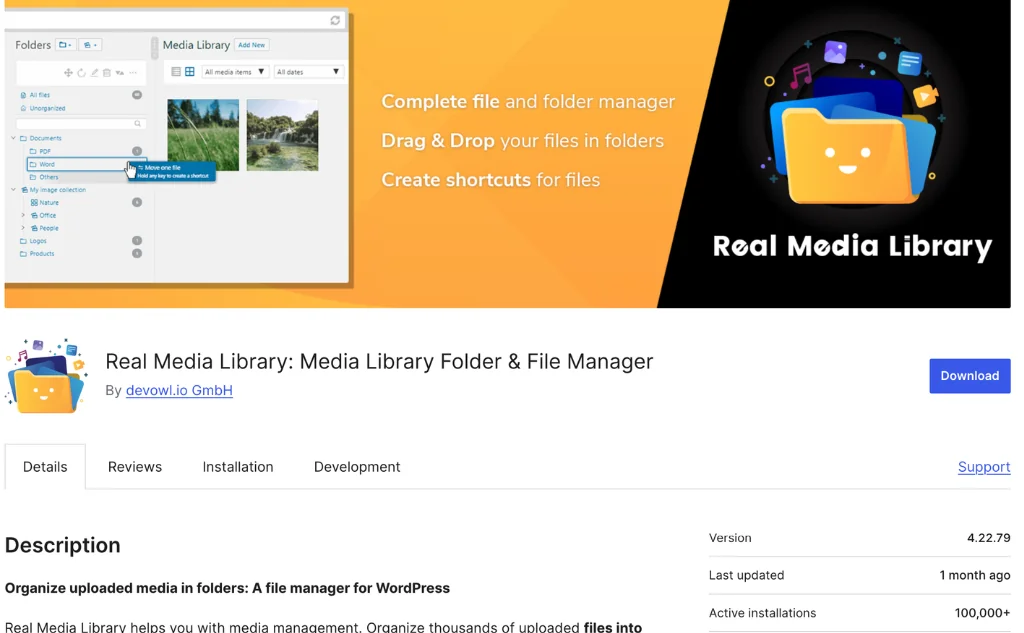
Real Media Library is built for websites managing thousands of images, documents, and other media files. It adds unlimited folders, collections, gallery folders, and shortcuts, making large Media Libraries much easier to navigate.
One of its biggest advantages is that you can reorganize existing files without changing their URLs. That means you can clean up years of uploads without breaking images, downloads, or internal references.
The plugin also integrates with WooCommerce, popular page builders, gallery plugins, and many WordPress themes, making it easy to add to an existing website.
Key features
- Unlimited folders
- Collections and gallery folders
- Folder shortcuts
- Drag-and-drop organization
- Bulk management tools
- Broad plugin compatibility
Pros
- Handles large media libraries well
- Preserves existing file URLs
- Wide compatibility
Cons
- Advanced features require the premium version
- Focuses primarily on folder management
Pricing
Real Media Library offers a free version with basic media organization features. Lifetime Pro licenses start at €39 for one website, with plans scaling up to 25 websites, and all paid licenses include lifetime updates and one year of support.
6. Media Library Organizer
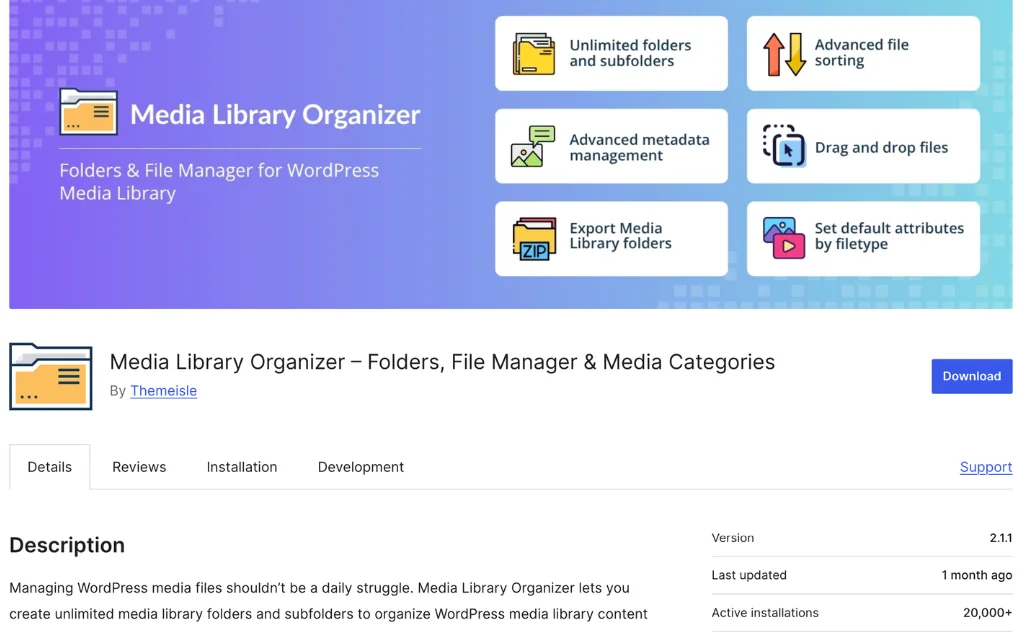
Media Library Organizer enhances the default WordPress Media Library with folders, categories, advanced filtering, and customizable metadata while keeping the familiar WordPress experience intact.
You can organize files into unlimited folders and subfolders, assign media categories, and quickly search or filter large collections without changing your existing workflow. Drag-and-drop organization, ZIP export, configurable default folders, and default file attributes help streamline everyday media management.
The Pro version expands on these capabilities with AI-powered image categorization using visual recognition, advanced search across metadata fields, smart upload workflows, default attribute rules, duplicate file creation, ZIP import and extraction, image optimization, WebP conversion, EXIF and IPTC editing, custom media taxonomies, and dynamic gallery support.
Key features
- Unlimited folders and subfolders
- Media categories
- Advanced filtering and search
- AI-powered image categorization (Pro)
- Default metadata and attribute rules
- ZIP export and import tools
- Image optimization and WebP conversion (Pro)
- Native WordPress integration
Pros
- Familiar WordPress experience
- Powerful organization and filtering tools
- Strong automation and media management features in Pro
Cons
- Many advanced features require the Pro version
- Collaboration features are more limited than dedicated DAM solutions
Pricing
Media Library Organizer offers a free version with core media organization features. Pro plans start at $49/year for one website, while the Unlimited plan costs $149/year and includes unlimited websites, multisite support, and one year of updates and priority support.
7. Sigma Media Manager
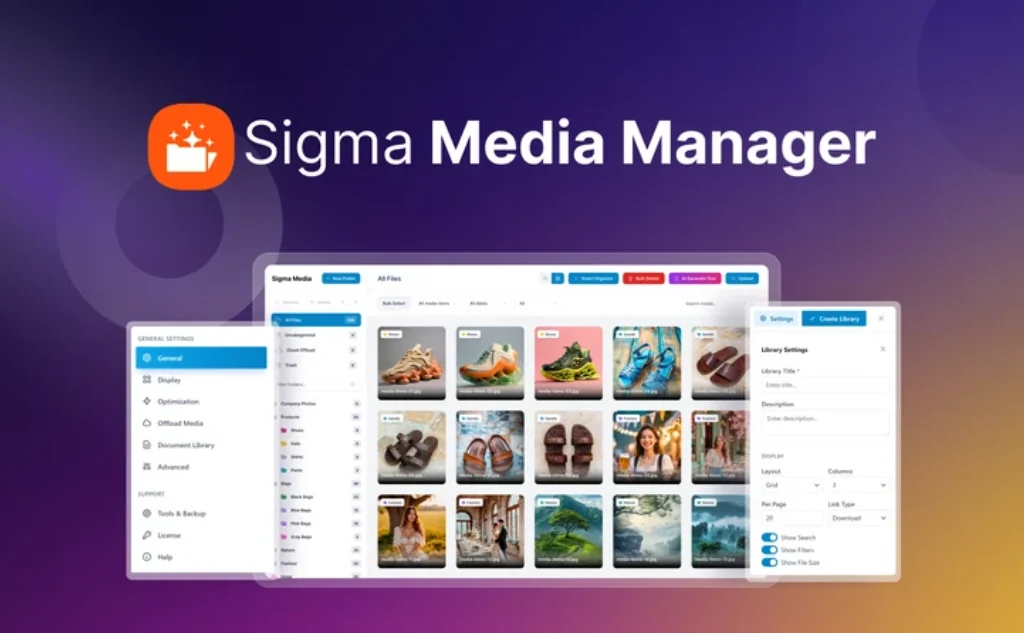
Sigma Media Manager combines folder-based organization with AI-powered media management to help keep growing WordPress Media Libraries organized and efficient. It offers nested folders, drag-and-drop organization, bulk actions, filtering, and search while maintaining compatibility with the native WordPress Media Library.
Its AI tools can generate image titles, captions, descriptions, and alt text, reducing the manual effort required to keep media metadata consistent and searchable. The plugin also includes tools to identify unused files, making it easier to remove unnecessary media and reclaim storage space.
Beyond organization, Sigma Media Manager supports cloud media offloading to services including Amazon S3, DigitalOcean Spaces, Google Cloud Storage, and Cloudflare R2. Additional features such as folder color labels, grid and list views, access controls, password-protected downloads, CAPTCHA protection, and user role permissions make it well suited for teams managing large media libraries or protected digital assets.
Key features
- AI-generated titles, captions, descriptions, and alt text
- Nested folders with drag-and-drop organization
- Cloud media offloading
- Unused media detection and cleanup tools
- Grid and list library views
- Folder color labels
- Access controls and protected downloads
Pros
- Reduces repetitive metadata work with AI
- Includes cloud storage and media offloading
- Helpful cleanup and file management tools
Cons
- Smaller ecosystem than long-established competitors
- No free version
Pricing
Sigma Media Manager currently starts at $39 for a lifetime license during its launch promotion. Plans scale by the number of supported websites, with higher tiers offering the same core feature set across more sites.
Final thoughts
FileBird remains a solid choice if all you need is folder-based media organization. But as your website grows, your workflow may require more than folders alone.
Choose the plugin that matches how you manage media:
- GoDAM: Best for digital asset management, AI automation, advanced video publishing, and multi-site media sharing.
- WPMediaVerse: Ideal for community and membership websites with user uploads, moderation, and privacy controls.
- WP Media Folder: A strong choice for teams that rely on Google Drive, Dropbox, or OneDrive.
- Folders by Premio: Best if you want to organize posts, pages, products, and media from one place.
- Real Media Library: Built for websites managing large collections of media files.
- Media Library Organizer: Great for users who want better organization without changing the native WordPress experience.
- Sigma Media Manager: Best for teams looking to automate media organization with AI.
Choose a plugin based on where your website is heading, not just where it is today. As your Media Library grows, the right solution will save time, simplify content management, and scale with your workflow.