You press play on a product video in a carousel, then swipe to the next slide. The new video starts, and the old one keeps talking behind it. The same happens in tabs, accordions and popups that close, and on long pages you scroll past.
GoDAM 2.7 fixes that. The player now notices when visitors can no longer see it, and pauses or mutes itself. It works on any theme or carousel, with no code changes.
Choose what happens
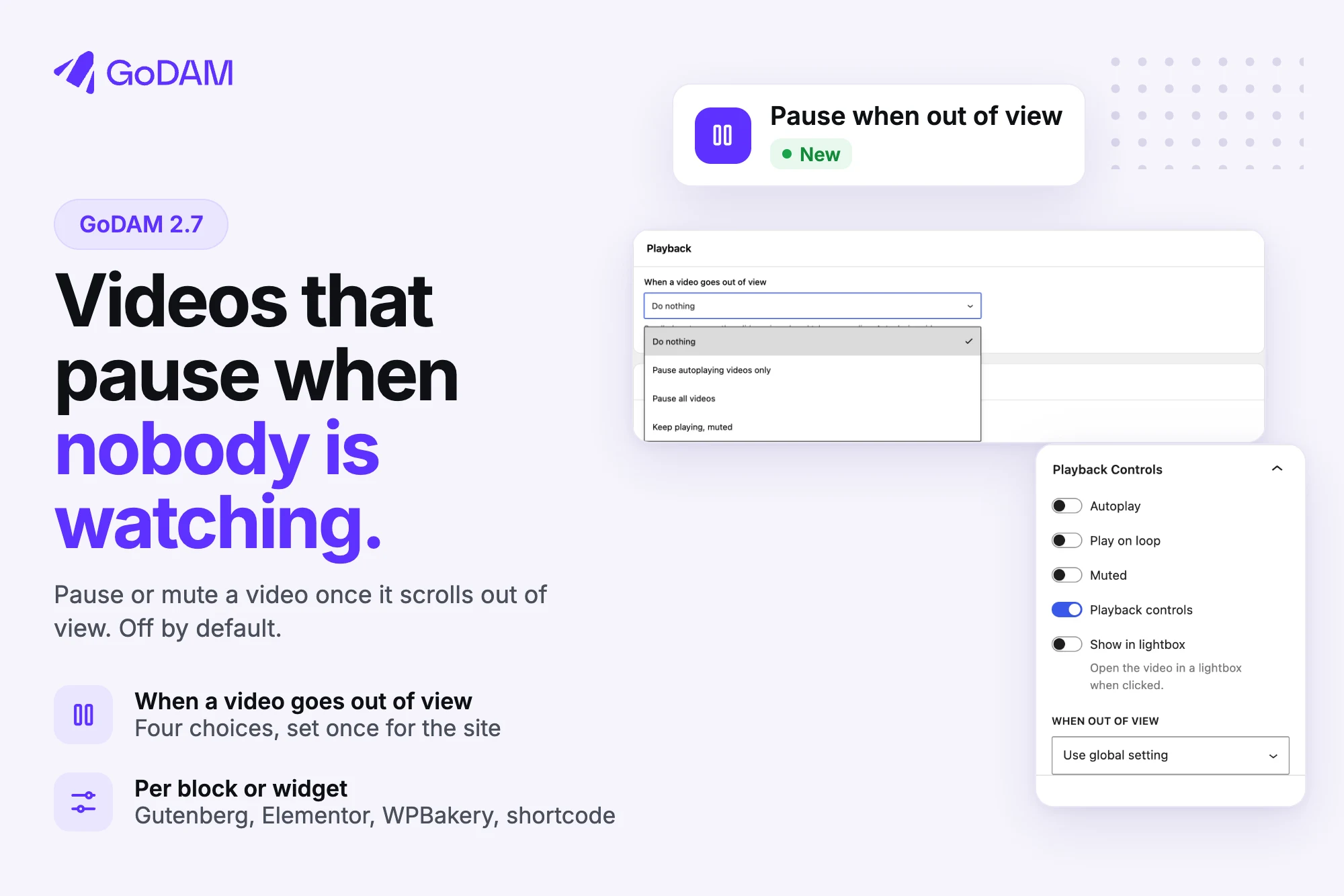
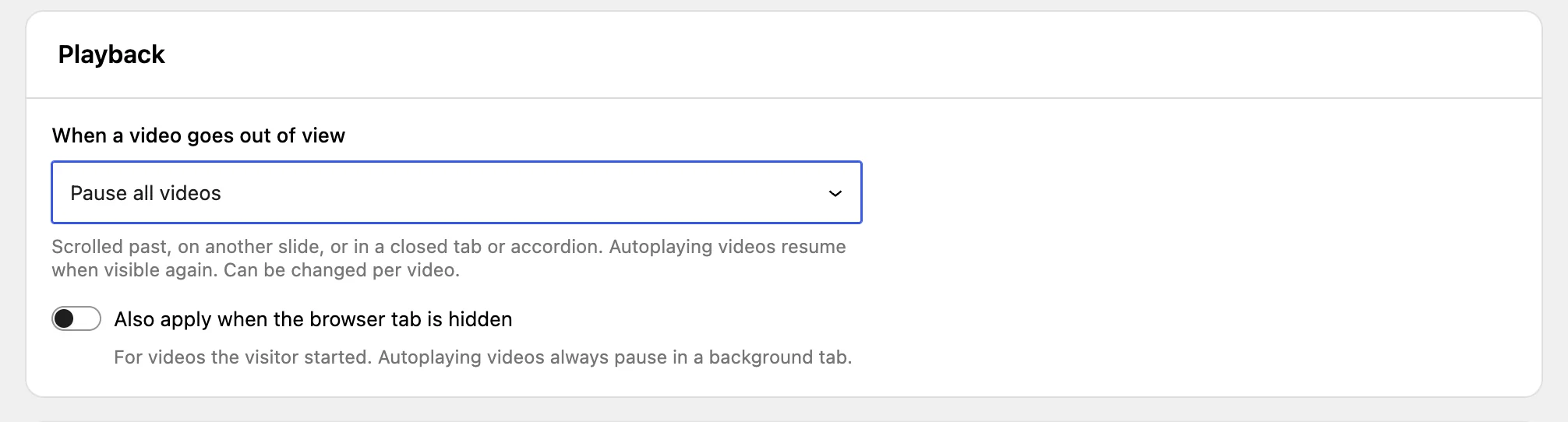
Go to GoDAM > Settings > Video Player and pick an option under When a video goes out of view:
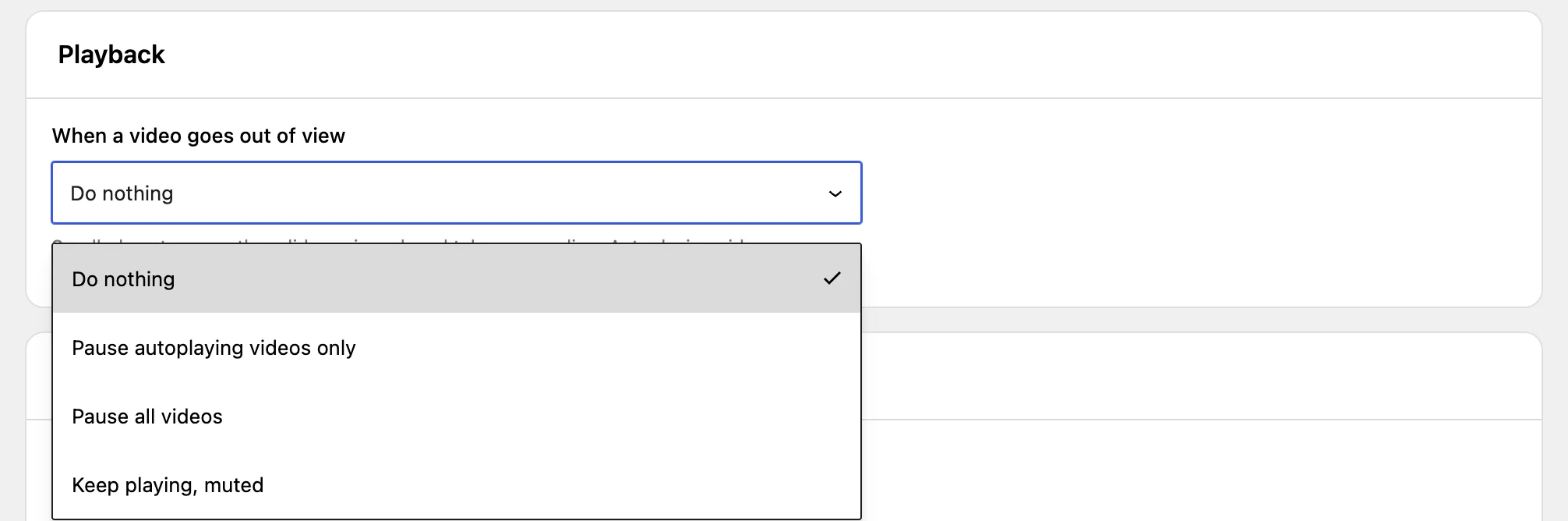
- Do nothing. Videos keep playing, as before. This is the default, so nothing changes when you update.
- Pause autoplaying videos only. Background loops and previews pause, then play again when they come back into view. Videos a visitor started keep playing.
- Pause all videos. Autoplaying videos pause and resume. A video the visitor started pauses and waits for them to press play.
- Keep playing, muted. The visitor’s video keeps going without sound, so they don’t lose their place, and stays muted until they unmute it.
A separate switch decides whether switching browser tabs counts too. It is off by default, so a lesson or podcast keeps playing while your visitor reads something else.
Fullscreen and picture-in-picture are never touched.
Set it per block or widget
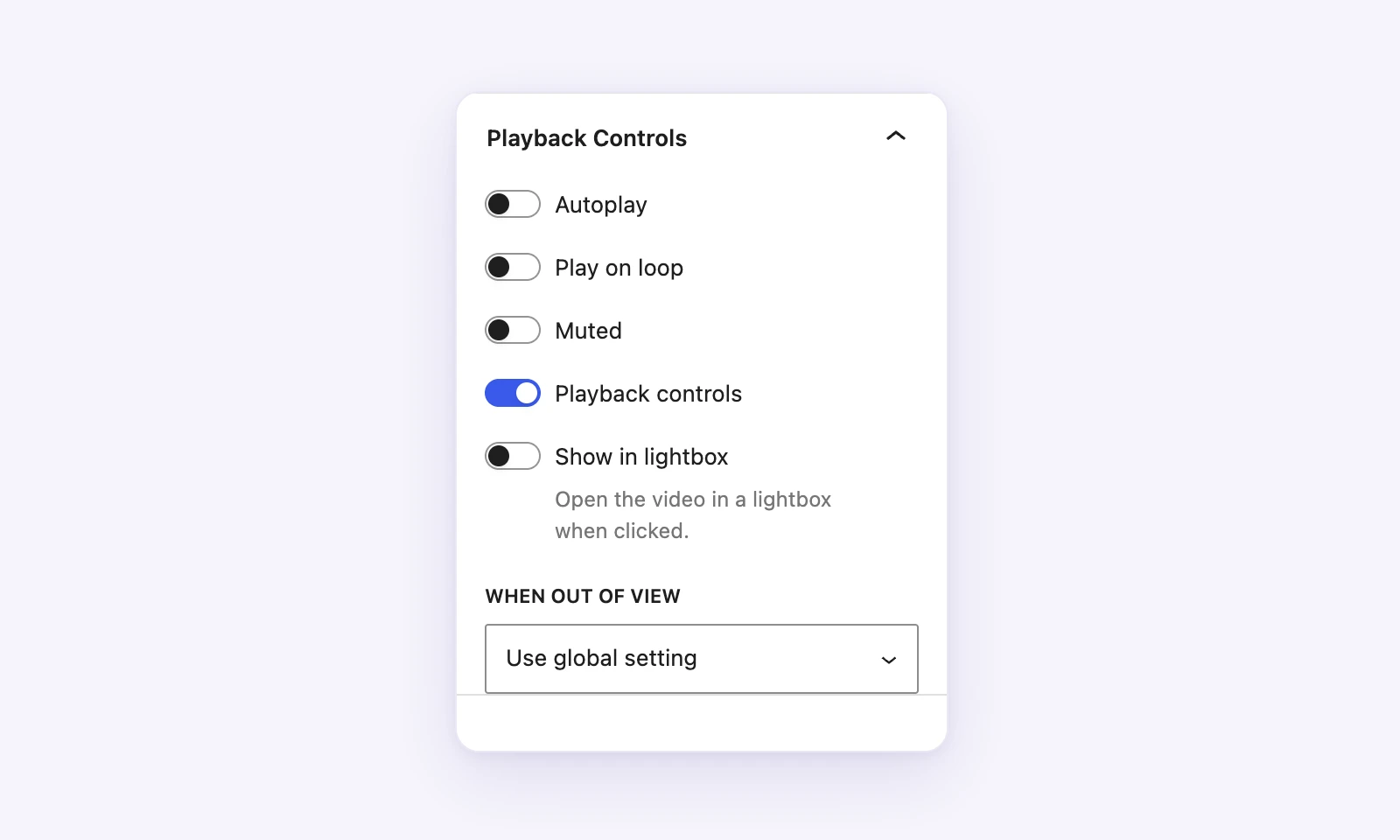
Each GoDAM Video block, Elementor or WPBakery widget, and [godam_video] shortcode (with out_of_view) can follow the site setting or choose its own.
Cleaner engagement numbers
Seconds a video plays muted off screen no longer count as watched in the heatmap or in GTM progress tracking, and automatic pauses don’t add pause events. CTA and form layers set to show on pause don’t pop up when a video pauses itself.
For WooCommerce stores
GoDAM for Woo 2.3 brings the same rules to the featured video, Shoppable videos, Product reels and Reel Pops. Previews pause off screen and pick up again when shoppers scroll back, and a video a shopper opens in the popup follows your site setting. The featured video no longer freezes after you scroll back to it.
For developers
GoDAMAPI.pauseAll() pauses every playing GoDAM video, whatever the setting, so a custom carousel can stop its videos on slide change. If your code plays videos from its own button, call player.play( { userStarted: true } ). The pause event now tells you why it paused. The details are in Pausing videos from your code.
Also in 2.7
Security hardening across media, analytics and player routes. We recommend updating.
Update from your Plugins screen, or read the Playback settings for every option.