

GoDAM CTA Layer
The GoDAM CTA Layer allows you to transform passive video viewing into an interactive, action-driven experience. With this feature, you can easily add customizable call-to-action buttons directly inside your videos, prompting viewers to sign up, visit a link, make a purchase, or take any desired action without leaving the video.
It seamlessly integrates with your video content, ensuring a smooth and engaging experience that keeps viewers focused while increasing conversions. Whether you’re promoting products, collecting leads, or guiding users through a funnel, the GoDAM CTA Layer empowers you to turn every video into a powerful marketing tool.
STEPS:
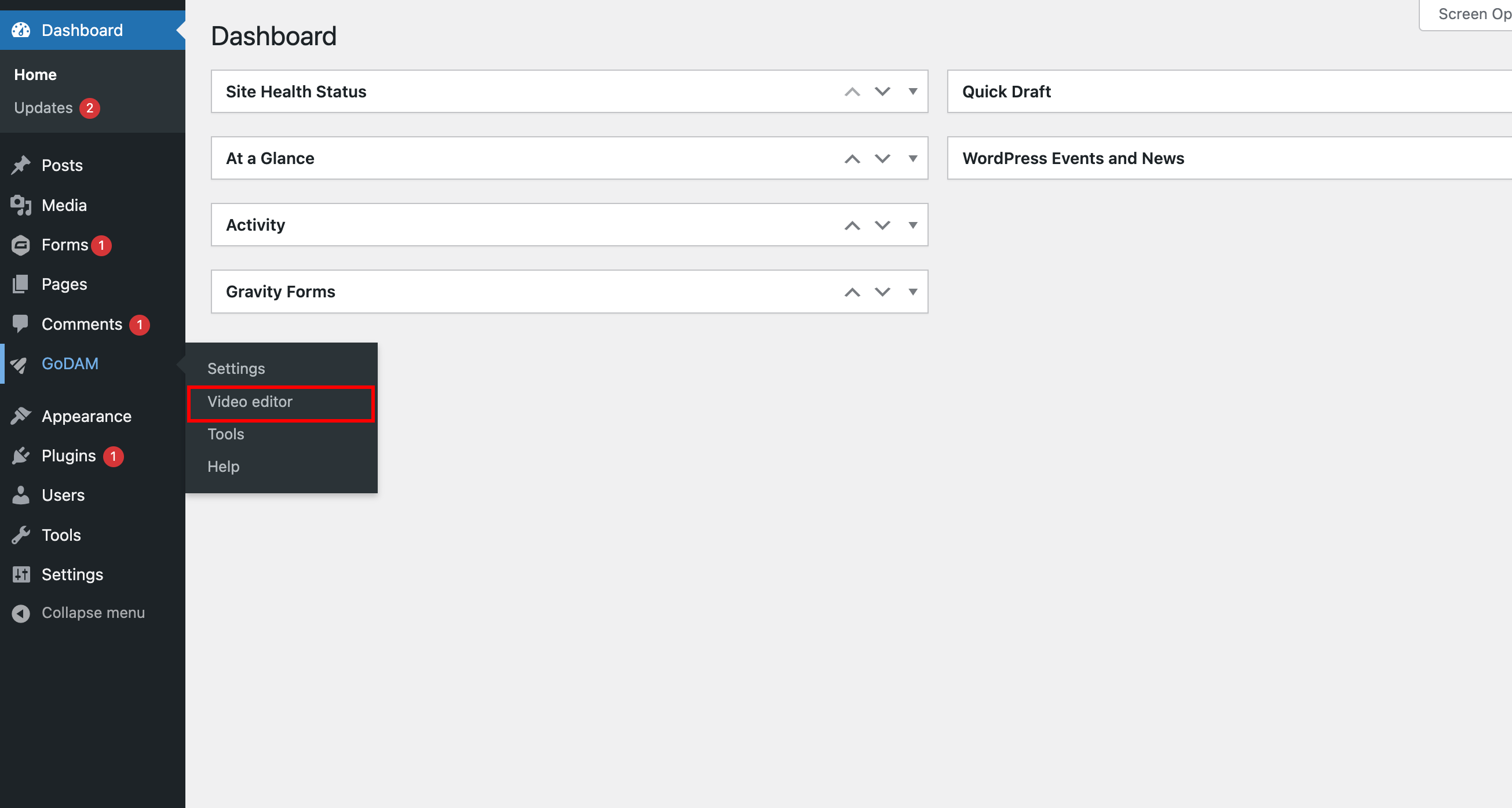
Step 1: Go to Video Editor under GoDAM menu
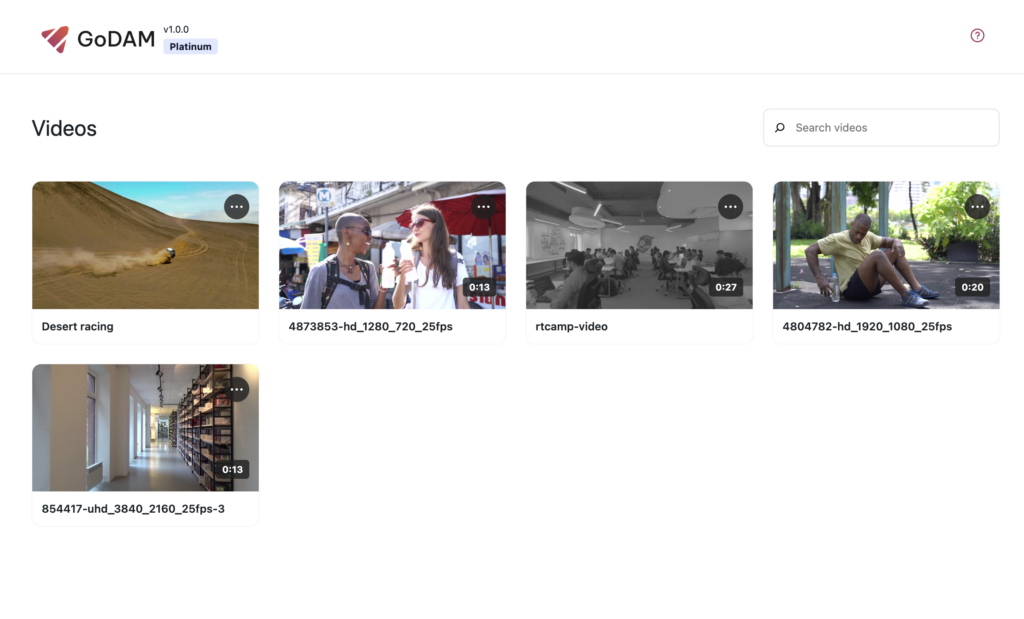
Step 2: Choose a video
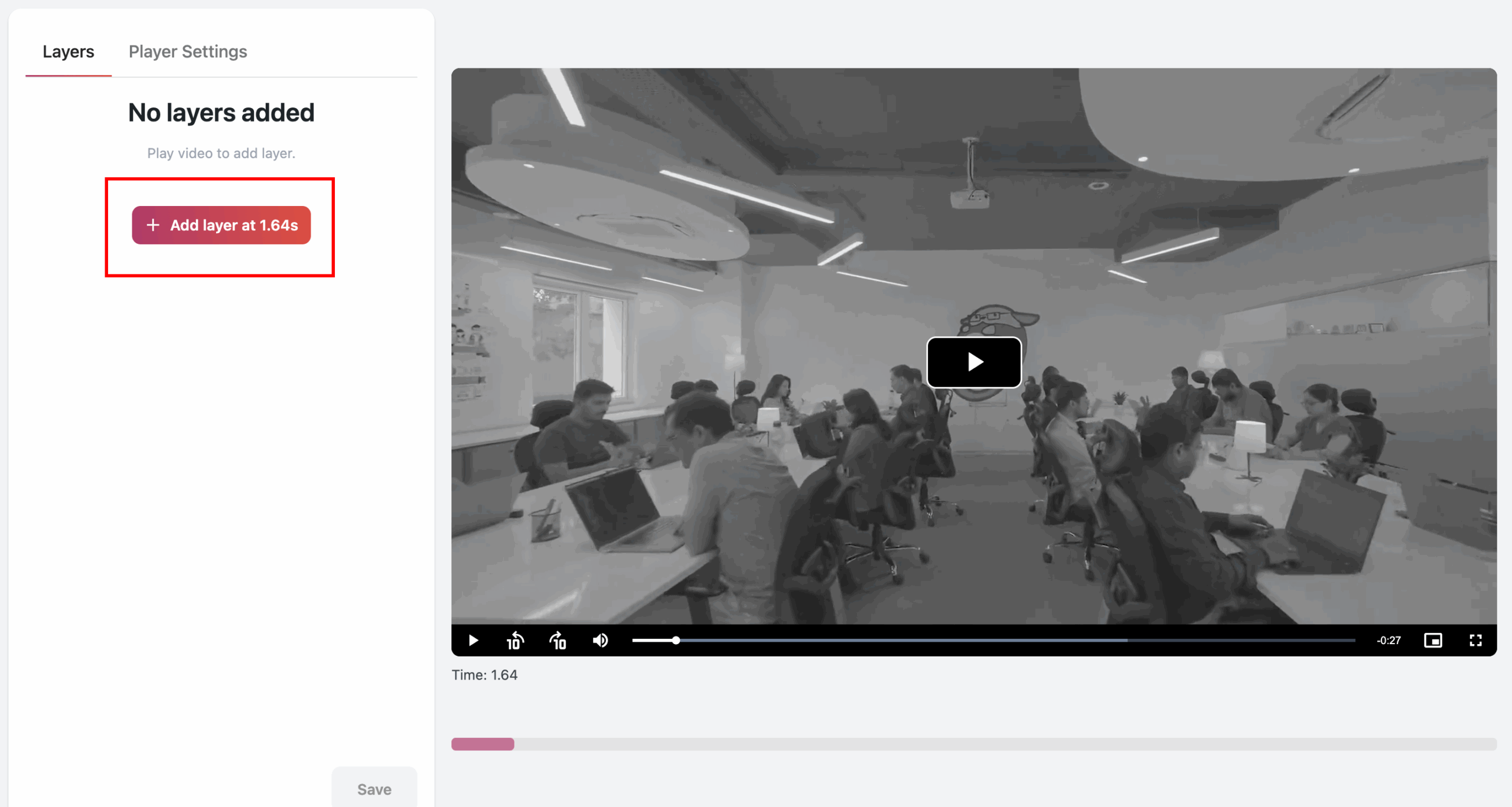
Step 3: Go to the timestamp where you want to add the layer
Step 4: Click on CTA from the popup

Step 5: Select the type of CTA you want to add
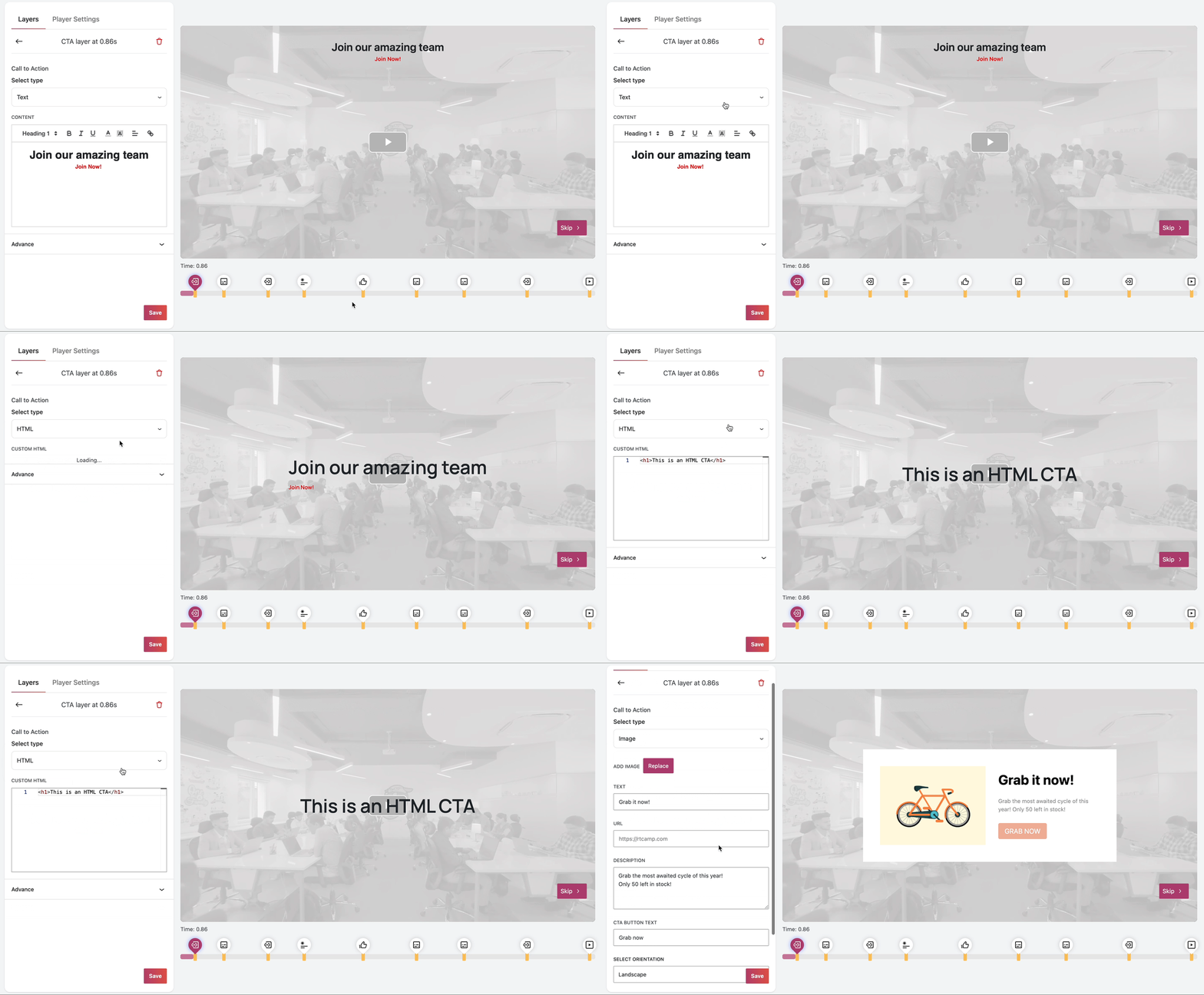
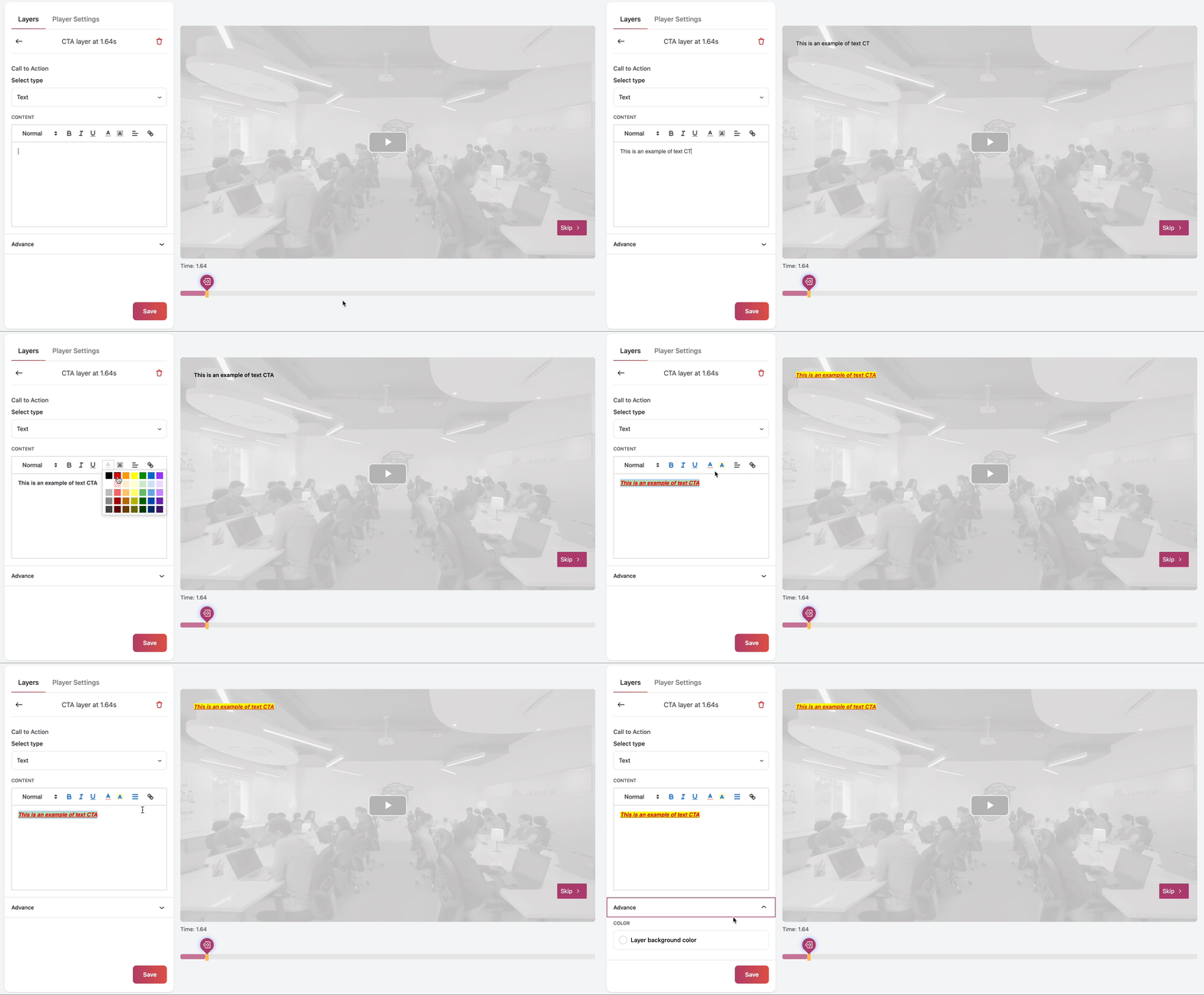
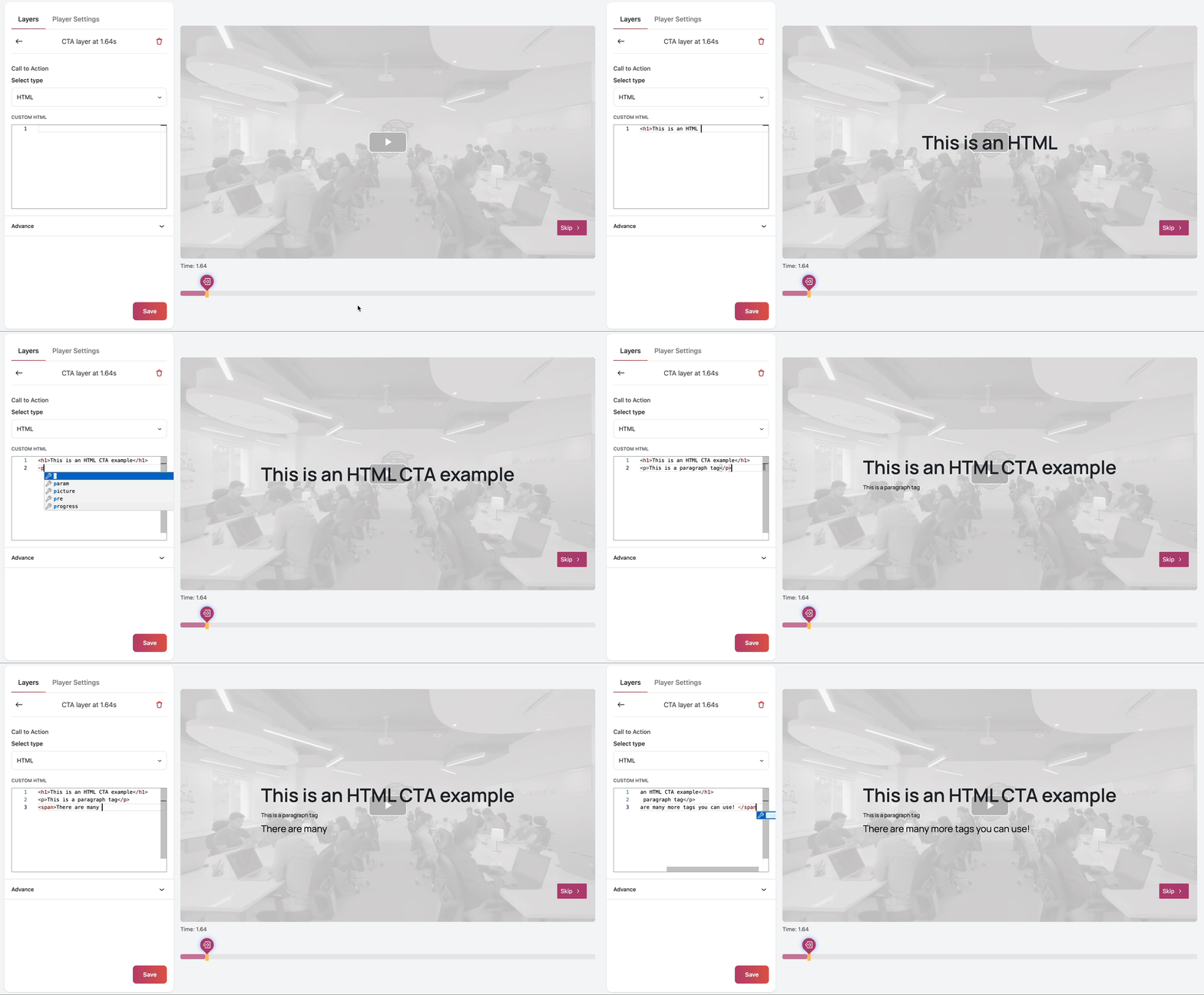
Step 6: There are three types of CTAs available:
1. Text CTA: Displays custom text to the user at the specified timestamp in the video.
2. HTML CTA: Renders custom HTML content for the user at a specific timestamp.
3 Image CTA: Allows you to upload an image, add accompanying text and a description, and include custom text for the CTA button.
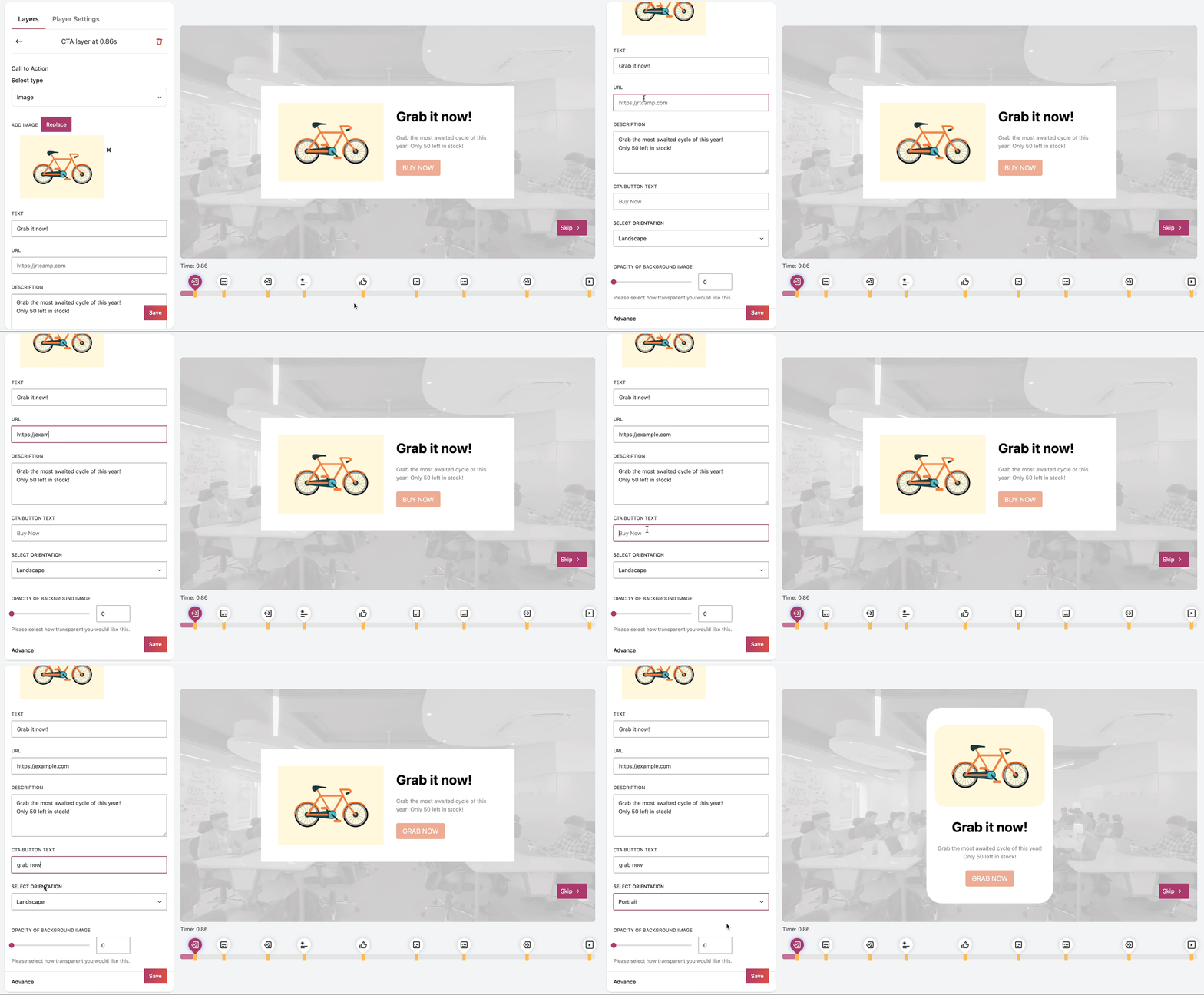
The Image CTA offers two orientation options: horizontal and vertical. These orientations determine how the CTA appears to the user:
Variation 1: Horizontal:
The image and accompanying text are displayed side by side.

Variation 2: Vertical:
The image is displayed above or below the accompanying text.