
Running a WordPress site with high-resolution images, videos, or large PDFs can slow things down – especially when those files are served directly from your web hosting server. Caching helps reduce repeated load, but it doesn’t change where the media is being delivered from.
Media offloading addresses this by storing heavy files in external cloud storage instead of your main hosting environment. These files are then delivered through a Content Delivery Network (CDN), which distributes them across multiple geographic locations.
This setup reduces the load on your origin server and allows media to be delivered from servers closer to the visitor, improving overall site performance and stability.
What Is Media Offloading?
Media offloading is the practice of storing WordPress media files – such as images, videos, and documents – in external cloud storage rather than on your primary web server.
When a visitor loads your site, those files are delivered through a Content Delivery Network (CDN). A CDN is a distributed network of servers that serves content from the location closest to the user. Instead of every request going back to your main hosting server, media is delivered from geographically closer edge servers.
Why Offload Your Media?
Faster Load Times
When media is served directly from your hosting server, performance depends entirely on that single origin. A CDN reduces latency by delivering files from edge locations closer to visitors, improving load and render times – especially for global audiences.
Reduced Server Load
High-resolution images and videos consume CPU, RAM, bandwidth, and disk I/O. Offloading shifts that workload away from your main server, helping maintain stability during traffic spikes or peak usage.
Better Scalability
Many hosting plans have storage and bandwidth limits. As your media library grows, these limits can affect performance or increase costs. Cloud storage allows media assets to scale independently from your hosting environment.
Improved Global Performance
If your hosting server is located in one country, users in distant regions will experience higher latency. A CDN distributes media across multiple regions, ensuring more consistent performance worldwide.
In short, media offloading separates your content delivery from your core application server – allowing each system to do its job more efficiently.
How GoDAM Simplifies Media Offloading
GoDAM is built to reduce the complexity typically involved in media offloading. Instead of configuring separate cloud storage, CDN providers, and streaming tools, everything is handled within one system.
Smart Media Offloading
GoDAM automatically copies your uploaded media into its distributed delivery layer. Your WordPress site continues to function normally, but heavy files are no longer served from your primary hosting server.
Built-in Global CDN
Media assets are delivered through GoDAM’s global infrastructure (118+ edge locations). This means images, videos, and documents are served from servers closer to the visitor rather than your origin server.
Adaptive Bitrate Streaming (ABR)
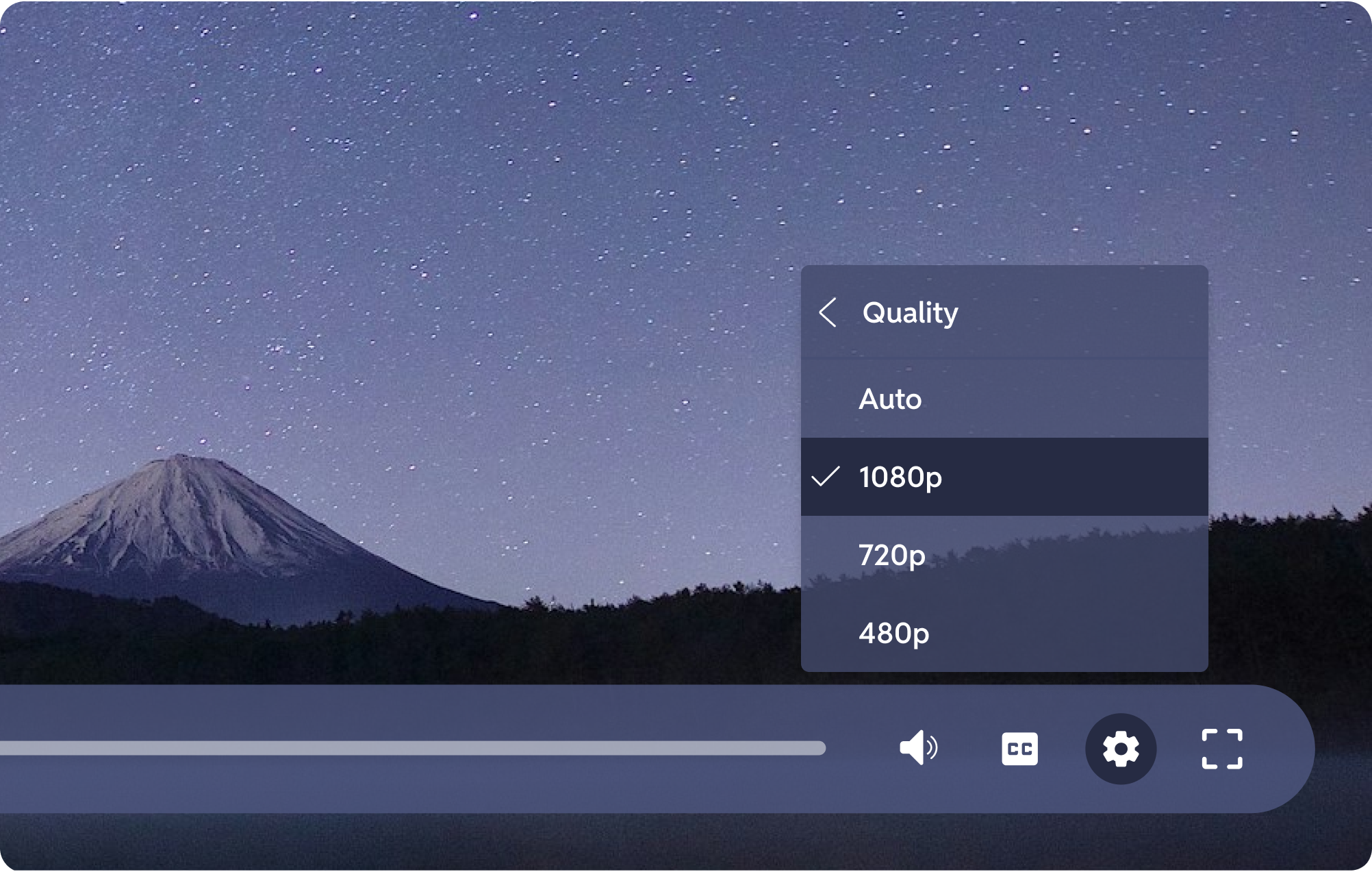
For video content, GoDAM supports adaptive bitrate streaming. Video quality automatically adjusts based on the viewer’s connection speed, reducing buffering and improving playback stability across devices and networks.
Virtual Media Support
You can import images, audio, and PDFs from GoDAM Central without duplicating files inside WordPress. This keeps your media library lighter and reduces unnecessary storage usage.
Who Should Use Media Offloading?
WooCommerce Store Owners
High-resolution product images and product videos can significantly increase page weight. Offloading helps maintain faster product page load times as your catalog grows.
Course Creators
Hosting long, high-definition lesson videos directly on your server can strain bandwidth and cause buffering. Offloading improves delivery reliability and playback performance.
Community Sites or Membership Sites
Member-only videos and downloadable resources can quickly consume bandwidth and slow down logged-in experiences. Offloading ensures smoother playback and consistent performance, even when many members access content at the same time.
Agencies
Managing multiple media-heavy client sites often leads to hosting limitations. A centralized offloading system helps maintain performance across projects without increasing server strain.
Final Thoughts
Website performance is no longer just about caching pages – it’s about intelligently managing how heavy media is stored and delivered. As your WordPress site grows, high-resolution images, videos, and downloadable files can quietly become the biggest performance bottleneck.
Media offloading separates your application from your media delivery, allowing your server to focus on running WordPress while a distributed CDN handles the heavy lifting.
With GoDAM, you don’t need to configure multiple services or stitch together cloud storage and streaming providers. Media is automatically offloaded, delivered through a global CDN, and optimized with adaptive streaming – all inside a single system.
Links: Adaptive bitrate streaming | Start for free
Leave a Reply