
If you are using videos on your WooCommerce store, it’s important to ensure they are maximizing their impact. By implementing video SEO, your product videos can be indexed by search engines like Google and Bing, allowing them to appear in search results and drive additional organic traffic to your store.
Better video indexing means greater visibility and more potential customers discovering your products.
GoDAM for Video SEO in WooCommerce
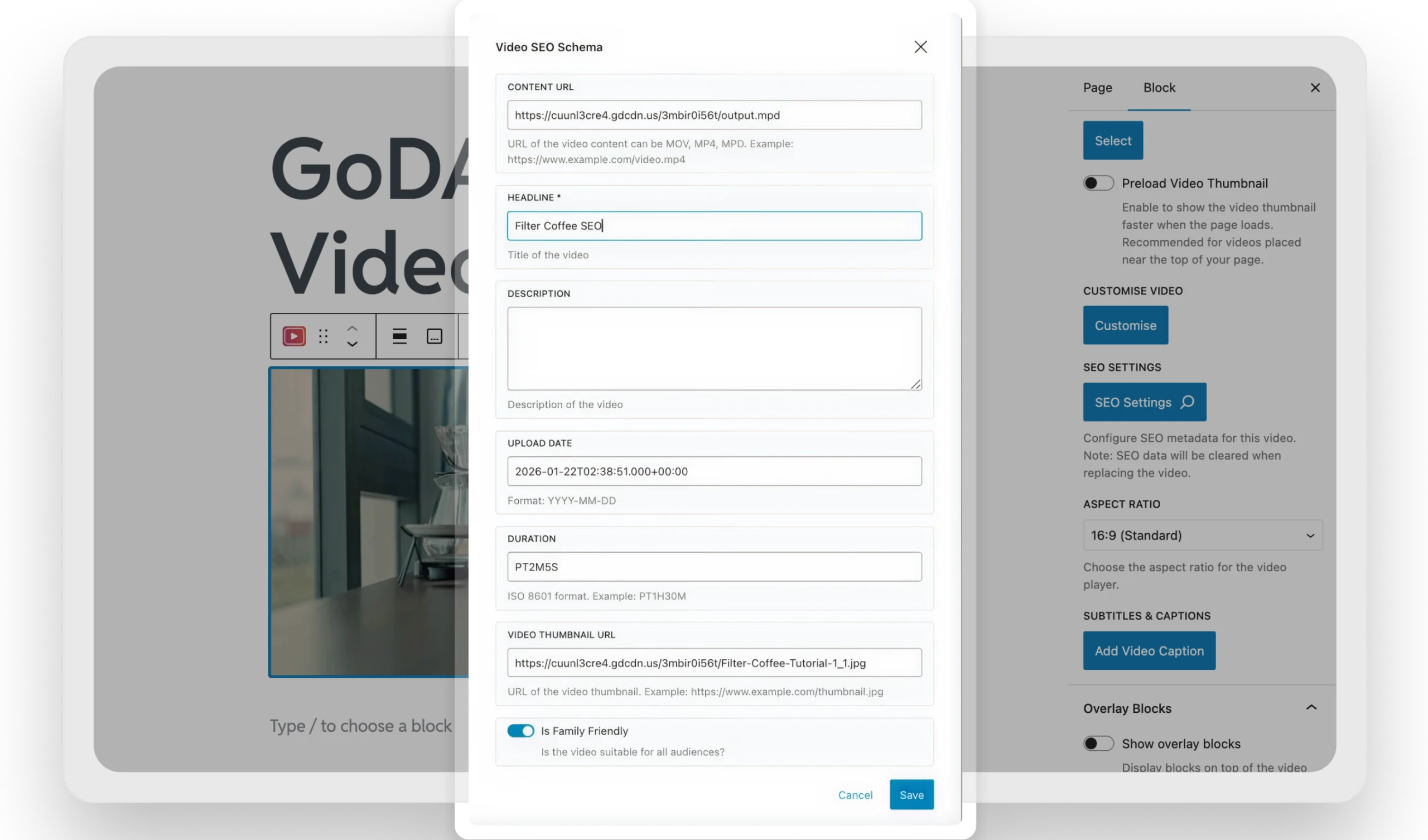
At GoDAM, we enable video SEO for WooCommerce product videos by automatically integrating structured metadata that helps search engines properly crawl, understand, and index your videos. This ensures your product videos are optimized for discovery without requiring complex setup.
As a result, your WooCommerce product videos can appear in search results, video carousels, and rich snippets, increasing visibility and bringing more qualified organic traffic directly to your product pages. Over time, this helps improve marketing ROI and contributes to overall store growth.
Video Metadata for WooCommerce Product SEO
GoDAM automatically adds structured metadata to every video using the Schema.org VideoObject standard. This helps search engines recognize that your product page contains video content and improves the chances of appearing in video-rich search results.
Key metadata fields included with every video include:
- Headline – The title of your product video that appears in search previews.
- Description – Explains what the video and product are about, helping search engines understand the context.
- Content URL – The direct link to the video file used for indexing and verification.
- Upload Date – Signals freshness, which can improve search visibility.
- Duration – Helps search engines match videos with user search intent.
- Thumbnail URL – Displays a preview image in search results and increases click-through rates.
- Family Friendly – Indicates whether the video content is safe for all audiences.
These metadata elements help upgrade a simple WooCommerce product video into a fully optimized SEO asset. While most of the metadata is automatically populated, GoDAM also gives you the flexibility to update it manually if you want to add more context or refine the information for better search visibility.
Additionally, GoDAM’s integrated automatic video transcoding tool generates video thumbnails automatically, which is an important requirement for proper video indexing in search engines.
How to Add Video SEO to Your WooCommerce Products in WordPress
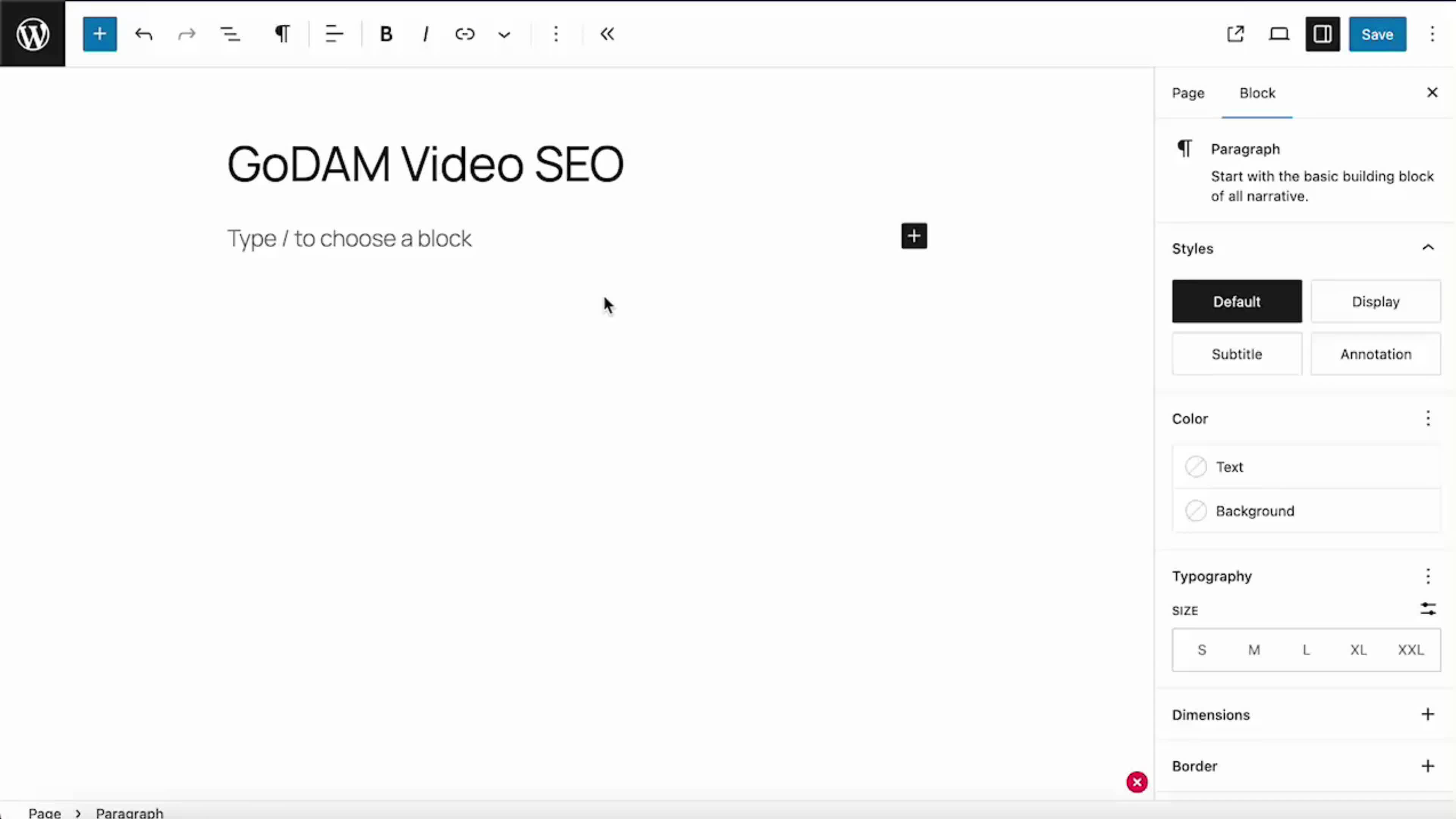

Follow these simple steps to enable video SEO for WooCommerce product videos using GoDAM.
Step 1 (Install the GoDAM Plugin): Install and activate the GoDAM plugin on your WordPress website.
Step 2 (Activate Your License): Visit godam.io and get your free license key. Then go to the GoDAM settings in your WooCommerce store and add the license key to activate the plugin.
Step 3 (Add a Product Video): Open your WooCommerce product page and add a video using the GoDAM Video Block, Element, or Widget, depending on the page builder you use.
GoDAM currently supports Gutenberg, Elementor, and WPBakery.
Step 4 (Open Video SEO Settings): After selecting or uploading the video, click on the SEO icon inside the GoDAM video block to access the video SEO options.
Step 5: (Edit Video SEO – Automatic Method): Update the video details in the WordPress Media Library. GoDAM will automatically populate the SEO metadata based on the media information.
Step 6: (Edit Video SEO – Manual Method): Alternatively, click the SEO button on the video block, disable the automatic SEO option, and manually update the metadata fields such as title, description, and other SEO attributes.
This allows you to quickly optimize your WooCommerce product videos for search engines, helping them appear in Google search results, video listings, and rich snippets.
Note: Connecting your license key is necessary to enable video transcoding, during which GoDAM automatically generates thumbnails for your videos. Thumbnails are an essential requirement for video indexing, and without a thumbnail, search engines like Google may not index your videos properly.
Summary
Adding product videos to WooCommerce pages improves engagement and helps customers better understand your products. However, without proper video SEO, many of these videos remain invisible to search engines.
GoDAM automatically adds video schema and SEO metadata, helping your WooCommerce product videos get indexed and appear in search results. This improves visibility, brings more organic traffic, and helps your videos contribute to both SEO and sales growth.
Links: Video commerce | Shoppable videos | Start for free
Leave a Reply