


If you run a WordPress site that relies on video, whether for online courses, product demos, or a BuddyPress membership community, you might have noticed how video playback across all devices can be a challenge. This could be because of mismatches in the video upload format, browser compatibility, bandwidth limitations or some combination of these.
The solution to this is video transcoding. In this post, we’ll explain what transcoding is, why it matters, and how an integrated transcoding solution can help your WordPress site.
If you are looking for a tl;dr, here it is: GoDAM or VideoPress are WordPress-first solutions that handle not just transcoding, but storage and distribution.
What is video transcoding?
In simple terms, video transcoding is the process of converting a video file into multiple formats and resolutions so that it can play smoothly across different browsers and devices. Sometimes, users also use transcoding to scale down video file size (lower resolutions have smaller file size compared to higher resolutions) for a smoother video delivery to users in weaker network conditions.
Why is transcoding required?

In the context of the web, there are two main benefits of transcoding:
Lower file size during delivery: Transcoding helps reduce video file size during delivery, preserving both user and website bandwidth. Practically, this results in that videos play smoothly across different devices and network conditions, while keeping costs for website owners down. For example, a single 1080p file might look great on fast Wi-Fi but buffer endlessly on a 3G connection. Transcoding solves this by generating multiple versions of the video, like 240p, 480p, 720p so that the video can play smoothly.
Support for browser friendly formats: Different browsers and devices support different video formats. For instance, Safari prefers MPEG-4/H. 264, while Chrome and Firefox also support WebM. Without proper transcoding, a video might play on one browser but fail on another. Transcoding ensures your videos are converted into all the major web-friendly formats, so they play seamlessly across Chrome, Safari, Edge, Firefox, and mobile browsers, thus delivering the best possible viewing experience for every user.
Modern transcoding also supports “container formats” (like HLS/DASH) that enable adaptive bitrate streaming (ABR) – a technology that automatically adjusts video quality in real time based on the viewer’s internet speed and device performance, without the need for manual switching by the end user. This ensures viewers always experience the smoothest playback possible, whether they’re on fast Wi-Fi or a slower mobile connection.
How to transcode videos
Many developers use FFmpeg, an open-source tool used for transcoding, which can convert, compress, and stream video in almost any format available. There are also beginner-friendly tools like HandBrake (available for macOS & other platforms) and various online sites that let you transcode your videos. However, these are manual solutions that live outside of WordPress, and thus necessitate a workflow overhead.
The most common way to handle videos is using the embed functionality that platforms like YouTube, Video, Wistia and others provide. These services handle upload (albeit via their own interface), transcode, storage and delivery of your video assets. However, they can have some downsides: external redirects(YT redirects on clicking some asset inside their embed), rise in cost to customize players, or limited WordPress integration that leads to switching platforms.
Also, in some applications, like social or other platforms with user-generated content (UGC), these are not viable at all.
Video transcoding for WordPress
Traditionally, folks have to choose between a video platform (CDN, transcoding) or a WordPress-native solution. But there are solutions that actually do both: VideoPress and GoDAM.
In addition to providing a solid video experience for your users, WordPress-first platforms integrate well with the Gutenberg editor, while also providing much more granular customizations, and integrations with the wider WordPress ecosystem.
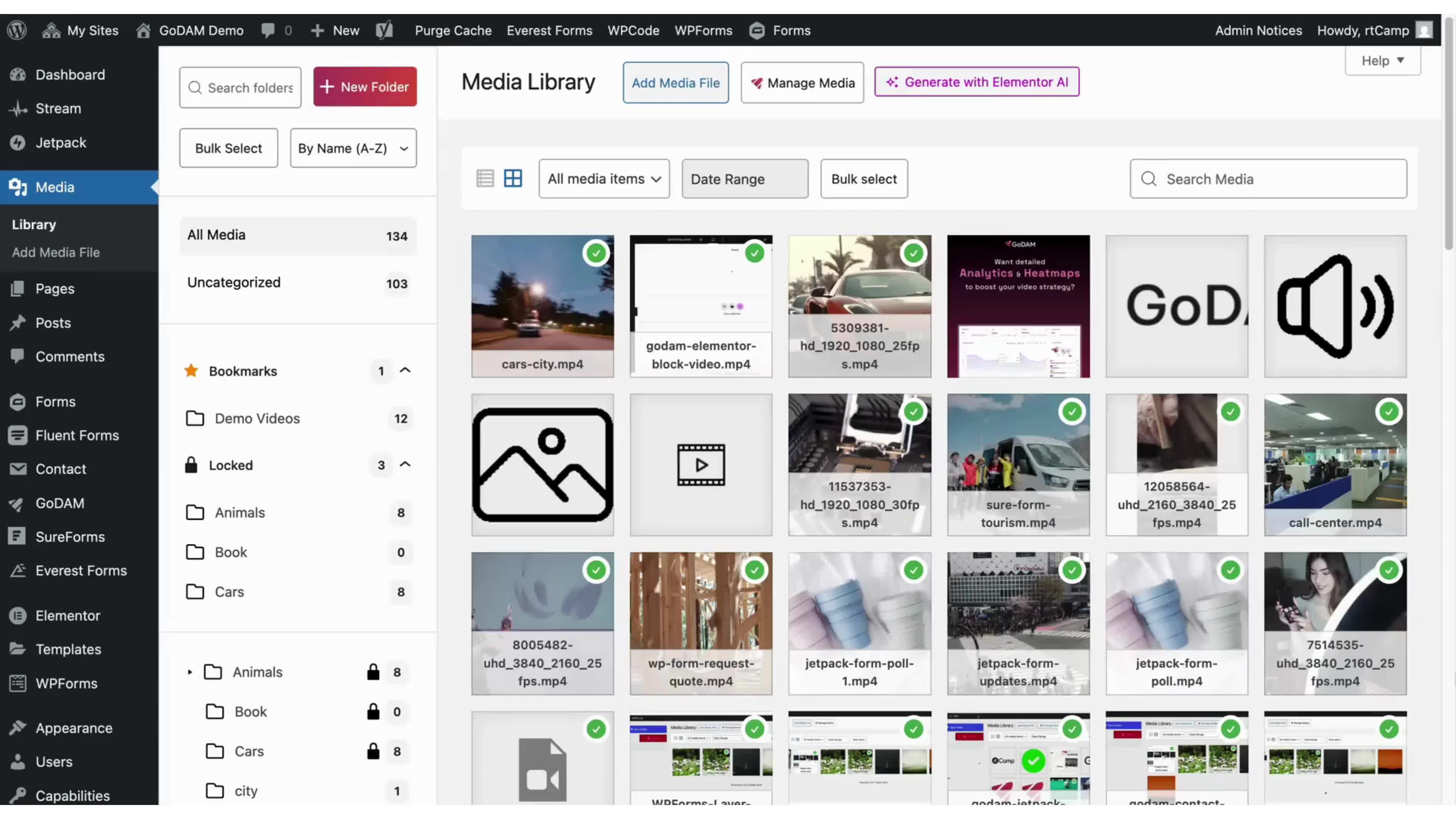
GoDAM is our own product, and is an evolution to the Transcoder plugin. Just like VideoPress, it works as a natural extension of the WordPress Media Library, providing not just transcoding for all the videos on your website, but a host of additional features all right within WordPress:
- Video layers
- Chapters
- Ad integrations
- Video analytics, with support for GTM parameters
- AI transcription
- …and more
GoDAM uses Bunny.net under the hood for video hosting and adaptive bitrate delivery, while all video processing and transcoding are handled on our own servers. This allows us to offer enterprise-grade infrastructure at a beginner-friendly price, made possible through volume discounts we receive at scale.
In conclusion
Video transcoding is essential for any website that relies on video. Whether that is a marketing site, one with user-generated content, or for video-first content. While video platforms like YouTube, Vimeo and Wista address transcoding and might be a good fit for many use cases, you might be leaving a lot on the table. GoDAM and VideoPress are great alternatives if you don’t want the hassle of manual workflows (or building out your own video pipeline).
Speak with us if you have questions, or go try GoDAM with our 7 day free trial. We offer multiple plans tailored for use cases starting from a Starter pack, and going all the way up to an Enterprise-ready offering.
Links: GoDAM features | VideoPress | Embeds in WordPress | Start for Free