

Best Practices for Lead Generation Through Interactive Video Forms
If you are getting started with video marketing and planning to generate and capture leads directly from your videos, it is important to get the basics right from day one. Videos when used correctly alongwith lead capture tools, can become a powerful lead-generation channel.
Capturing leads inside videos allows you to engage viewers while their attention is highest, instead of redirecting them to external forms or pages. The key is to collect leads just in the flow and motivate users to submit their details.
This guide covers simple, practical best practices to help you start capturing leads from videos effectively, even if you are new to video marketing.
Keep the Lead Form Minimal
The goal is to reduce friction.
Ask only for essential information, usually a name and email address. Every additional field lowers the completion rate. In-video forms should feel quick and effortless so viewers can submit without breaking focus. You can always collect additional details later through follow-up emails or onboarding flows.
Trigger Lead Forms at High-Intent Moments
Timing plays a major role in how effective in-video lead capture is.
Show lead forms when the viewer has already received value, such as after explaining a key benefit, revealing results, or completing a short demo. Lead capture works best when the viewer understands why they should take the next step.
Another effective option is to place the form just before unlocking something valuable in the video. For example, you might pause the video and show a message like, “Enter your details to continue watching.” This works best when the next part of the video clearly offers value, such as a deeper explanation, a special deal, or insights that are not shared publicly.
Use this approach carefully. Gated moments should feel fair and justified. If the value is not obvious, viewers may drop off instead of submitting the form. When done right, this method captures highly motivated leads without feeling intrusive.
Match the Ask to the Content
The offer should directly relate to what the viewer is watching.
If the video explains a solution, offer a demo or consultation. If it educates, offer a guide, checklist, or follow-up resource. Mismatched offers reduce conversion because they feel irrelevant. Lead capture is most effective when the next step feels obvious.
Always ask yourself one question: what would a viewer logically want next after watching this video?
Optimize Lead Forms for Mobile
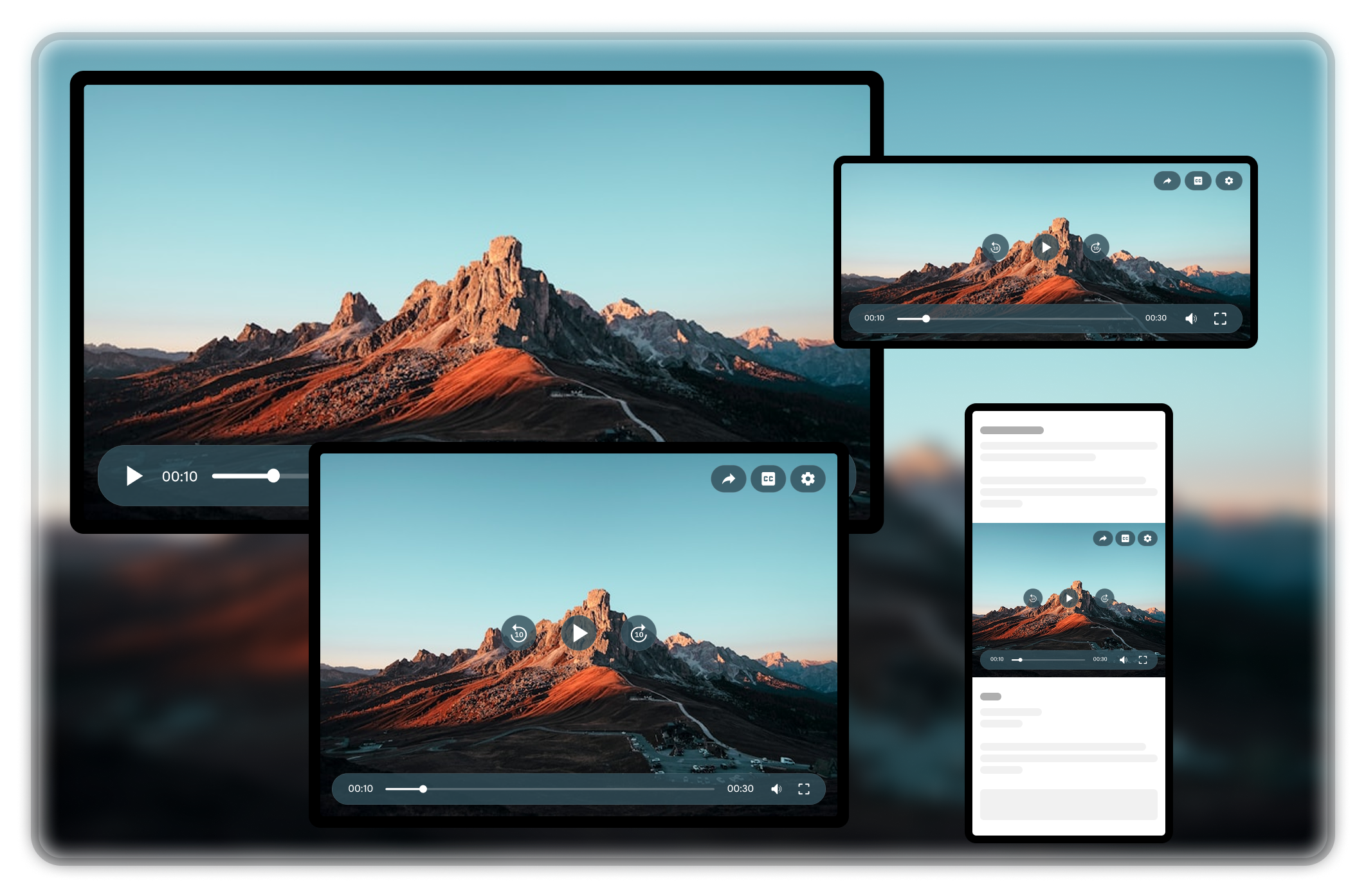
A large chunk of video views happens on mobile devices.
Ensure the form is easy to complete on small screens. Use large input fields, minimal text, and clear buttons. If typing feels difficult or cramped, users will abandon the form. Mobile-friendly design is critical for in-video lead capture success.
Limit the Number of Lead Prompts
One clear opportunity to convert is usually enough.
Too many lead prompts interrupt the experience and create resistance. Instead of repeating the form multiple times, focus on a single, well-placed moment where intent is highest. A strong prompt at the right time outperforms frequent interruptions.
You can repeat the same form at the end of the video to capture viewers who may have missed it earlier or needed more time to be convinced. This keeps the experience respectful while still maximizing lead capture opportunities.
Make Lead Capture Optional When Possible
Allow viewers to skip or dismiss the form easily. Optional lead capture often performs better because users engage willingly. Forced forms should only be used when the value is clearly understood and worth the interruption.
When viewers feel in control, they are more likely to convert. Forced forms often attract low-quality leads who are not genuinely interested, leading to wasted effort and weaker conversion outcomes.
Final Thought
Capturing leads inside videos works best when it respects attention and intent.
Keep forms short, trigger them at the right moments, align them with content, and design for mobile. When lead capture feels like a natural next step rather than an interruption, both engagement and conversions improve.
Links: Video layers | All features | All integrations | Start for Free
On this page
Leave a Reply