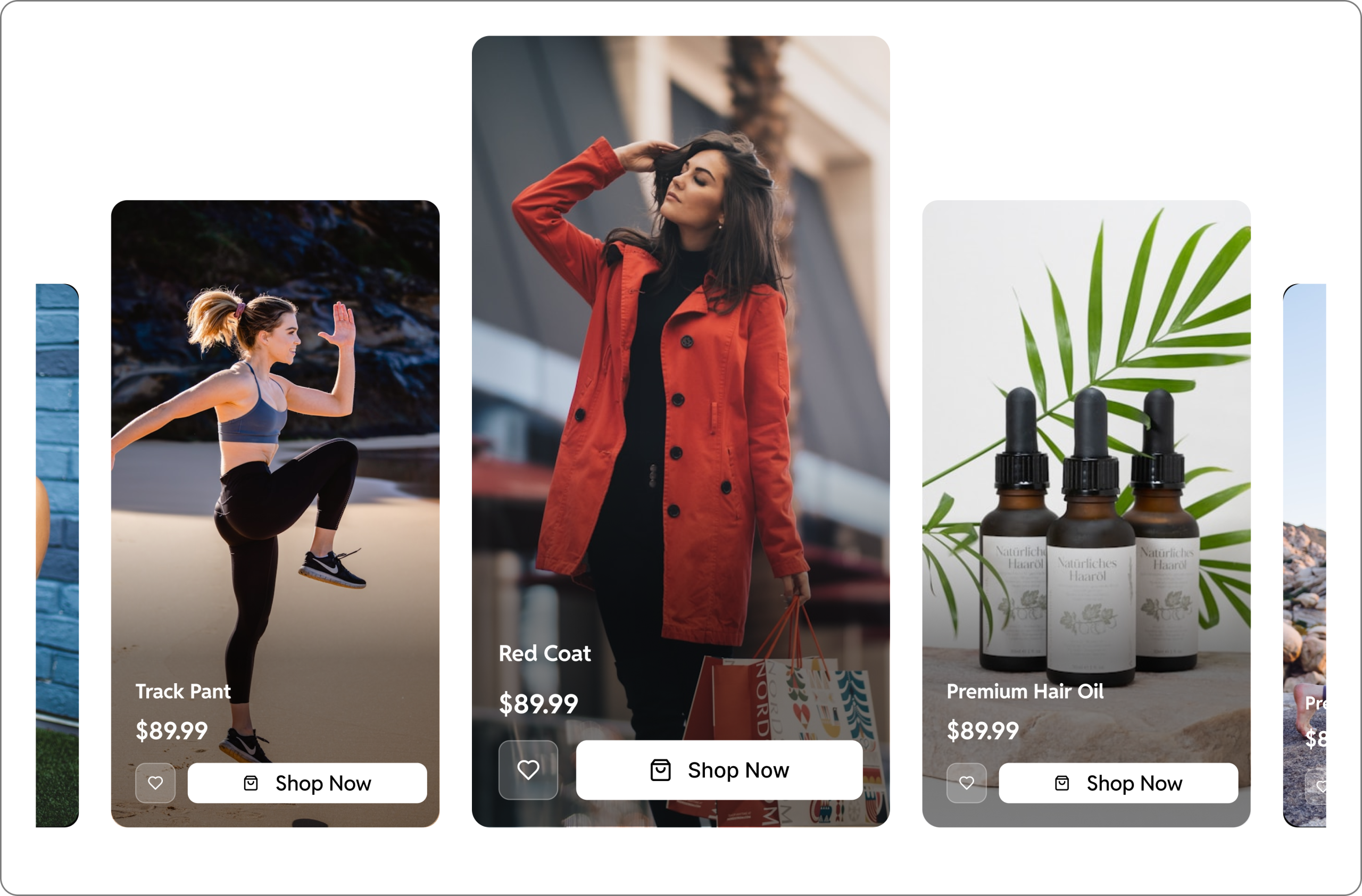


If you are running a WordPress site and want to turn your videos into revenue-driving assets, adding video call-to-action (CTA) buttons, clickable hotspots, quizzes, and coupon popups can dramatically improve how users interact with your video content.
In this guide, we will show you how to add interactive layers inside your videos using GoDAM and how marketers, creators, educators, and e-commerce brands can use them to boost conversion rate and improve their video marketing ROI.
Why interactive videos convert better
Traditional videos are one-way communication. Users watch, then scroll away. Interactive videos allow the viewers to take action directly inside the video when the engagement is highest. Users can:
- Click CTA buttons to buy, book, or sign up
- Explore the product by hovering over video hotspots
- Answer quizzes regarding product or service feedback
- Unlock coupon codes during the product promo/launch video
- Fill a contact form right inside the video and send their contact details
Let us now see interactive video layers in action:
In video CTA layer
A video call to action (CTA) Layer allows you to add buttons, text, image, or even custom HTML CTAs directly inside your video. By placing these CTAs at the right moment during playback, you guide users naturally toward the next step, making the entire experience seamless, intuitive, and frictionless. Best used for:
- Product pages with “Buy Now” button during playback
- Lead generation funnels with contact form
- Booking demos or consultations with “Learn More” button link to any custom URL
- Promo pages with coupon HTML CTAs
These buttons appear at the perfect moment in your video to maximize clicks and conversions.
See a video CTA in action: here
Lead capture inside video using form layer
An In-Video Form Layer makes collecting user information effortless and highly efficient. Instead of forcing viewers to search for a separate contact form, the form appears right inside the video, reducing friction and significantly lowering drop-offs. Users can submit their details as a natural part of watching the video, making the entire lead-capture process smoother, faster, and far more effective. Best used for
- Lead generation funnels requiring quick name/phone/email capture
- Demo or consultation requests mid-video on video testimonial pages
- Service inquiries (real estate, agencies, builders, etc.)
- Product interest forms inside product videos
- Preference or onboarding questions integrated into the content
See an in-video form in action: here
In video polls layer to collect feedback
An In-Video Polls Layer helps you collect viewer feedback inside your WordPress videos. Instead of redirecting users to external survey pages, polls appear directly inside the video at the moment you choose. This reduces friction, keeps viewers engaged, and encourages higher response rates. Best used for:
- Collecting viewer opinions or preferences mid-video
- Gathering feedback on product showcases or demos
- Running quick sentiment checks (e.g., “Which feature do you prefer?”)
- Validating ideas, concepts, or designs during walkthroughs
- Improving engagement on educational or training videos
See an in-video poll in action: here
Guide user attention using video hotspot
A Hotspot Layer helps you guide user attention to specific parts of your video by adding clickable markers, tooltips, or info points. When added strategically, it makes your video more interactive, informative, and engaging which results in higher conversion and boosts overall ROI. Best used for:
- Highlighting product features in e-commerce product videos
- Tagging items inside a demo or unboxing video
- Pointing out key areas in real estate walkthroughs
- Adding quick info notes without cluttering the screen
See a video hotspot in action: here
Summary
Interactive videos are one of the easiest ways to boost engagement and conversions on WordPress. GoDAM video layers can help you add:
- CTA Layers to drive purchases, signups, and clicks
- In-Video Forms to capture leads with zero friction
- Polls layer to gather real time viewer feedback
- Hotspot Layers to highlight product features or key information
For an agency owner looking to optimize lead funnels, an e-commerce marketer looking to drive more product sales from videos, or anyone looking to turn videos into high-performing assets – video layers are a must-have for accelerating business growth.
Links: Features | Video analytics | Screen recorder Chrome extension | Start 7-day Free Trial