


The era of static product images is fading. In 2026, the “TikTok-ification” of e-commerce has turned browsing into an entertainment-first experience. For WooCommerce store owners, adding shoppable video experience isn’t just a flashy upgrade – it’s a conversion necessity.
Here is a guide to the best tools and strategies to build a shoppable video experience on your WooCommerce site.
Why Shoppable Video is No Longer Optional
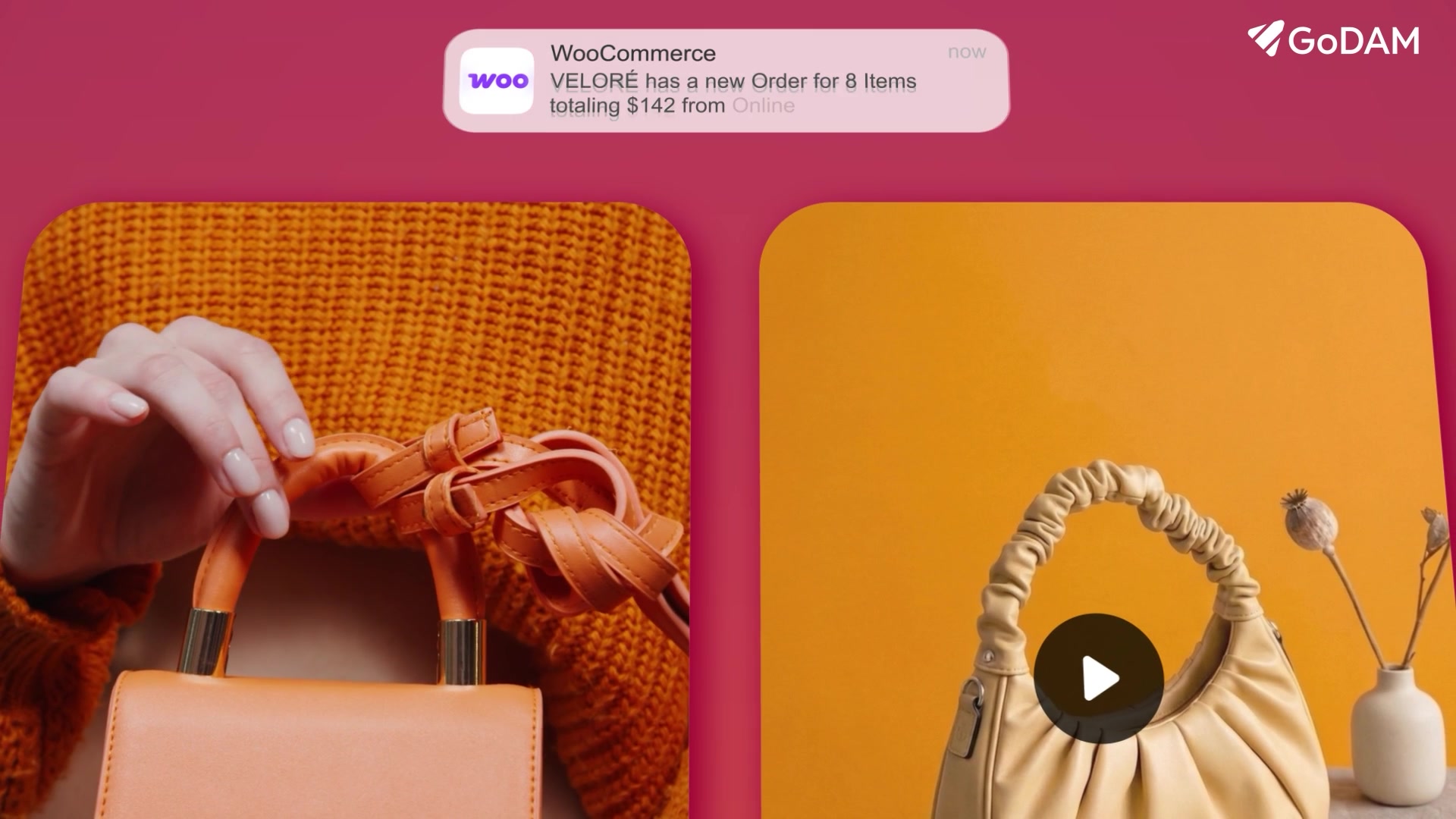
Today’s buyer behavior has fundamentally shifted:
- Users prefer video over images when making purchase decisions
- Engagement is higher when content feels native and interactive
- Attention spans are shorter than ever
Static images can’t communicate motion, usage, or emotion.
But video can.
More importantly, interactive shoppable video converts intent into purchase action instantly – without friction.
Best Shoppable Video Tools for WooCommerce (2026)
If you’re building inside the WooCommerce ecosystem, these tools stand out:
GoDAM
GoDAM is a complete shoppable video plugin for WooCommerce.
It lets you create high-converting shoppable videos, and also goes beyond with features like product video hotspots, in-video lead capture, video CTA, deep customization, and built-in CDN offload & hosting, perfect for high traffic stores.
- Key Feature: In video shopping, mobile optimized, reel style, product video gallery for WooCommerce, hotspot, CTA, video form & CDN delivery etc.
- Best For: Serious brands needing a high-performance shoppable video experience to booth engagement and conversion rates
ReelsWP
If you have a lot of User Generated Content (UGC) from Instagram or TikTok, ReelsWP is the bridge. It lets you curate those videos into “Stories” style bubbles at the top of your homepage.
- Key Feature: Lightweight and optimized for mobile speed.
- Best For: Social-proof-driven marketing.
VidShop
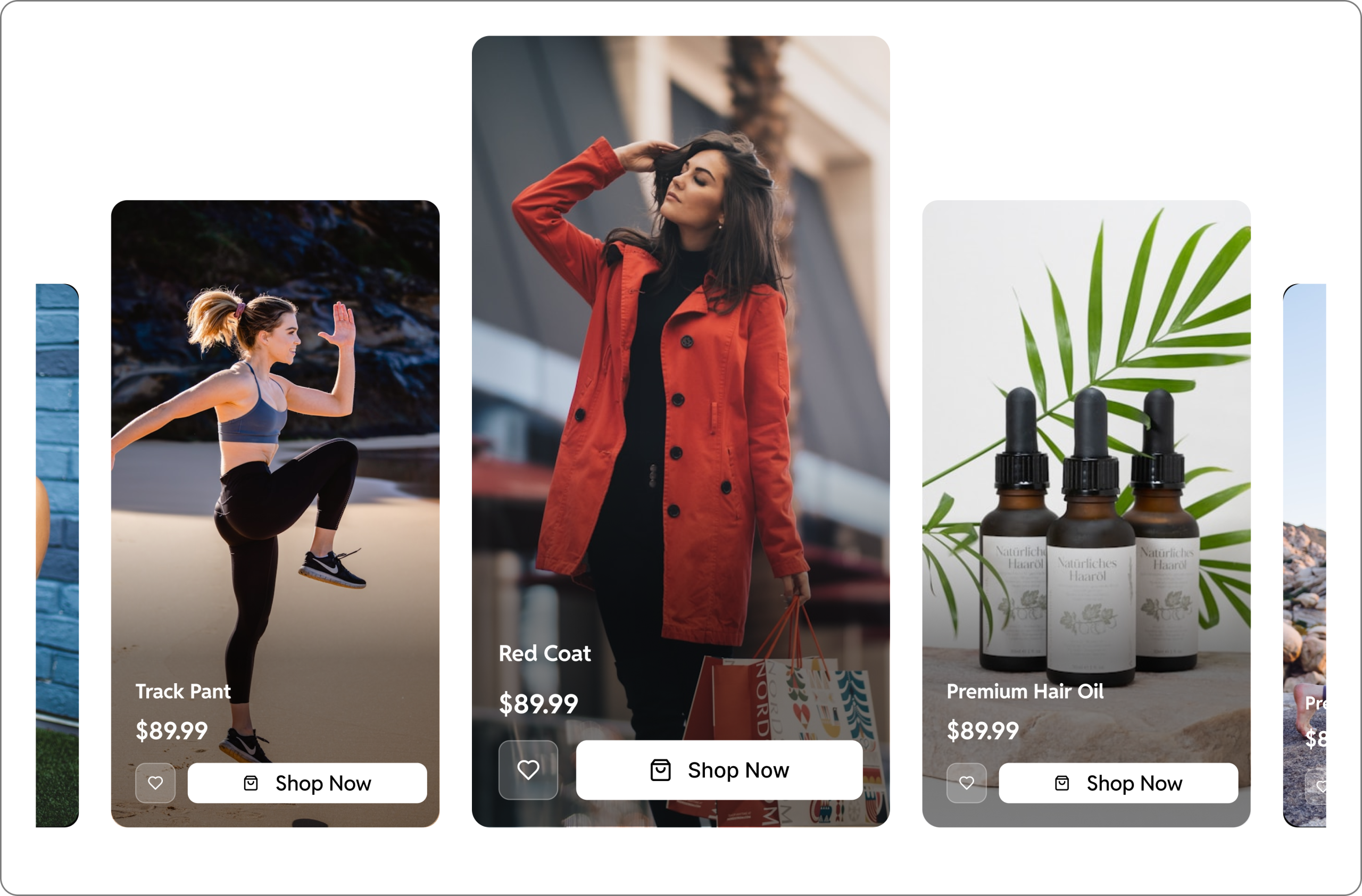
Best for stores that want a Reels-style scrolling feed. VidShop allows you to create vertical, swipeable video galleries where users can tap a product and “Add to Cart” without the video pausing.
- Key Feature: Supports WooCommerce variations (size, color) directly inside the video player.
- Best For: Fashion and lifestyle brands.
Channelize.io
This tool is useful for Live Shopping and pre-recorded video. It offers a dashboard to manage live stream events where customers can chat and buy in real-time.
- Key Feature: Multi-streaming to Facebook and Instagram while maintaining the “buy” button on your site.
- Best For: Brands with high engagement or influencer partnerships.
Product Video for WooCommerce
If you’re just starting with video, this plugin keeps things simple. It lets you add videos directly to your product galleries or replace static images – no complex setup needed.
- Key Feature: Easy video integration with minimal configuration, but lacks reel style videos.
- Best For: Beginners testing the impact of video on conversions.
Things to keep in mind
Design for Mobile-First
Over 75% of video commerce happens on mobile.
Follow these rules:
- Use vertical (9:16) videos
- Keep CTAs in the thumb zone
- Enable lazy loading to maintain speed
Track What Actually Matters
Don’t just measure views.
Focus on:
- Interaction Rate → Are users clicking?
- Watch Time → Are they engaged?
- Conversion Lift → Is video improving sales?
This is where real optimization happens.
Choosing the Right Video Format
Not all videos drive the same outcome.
Here’s how to think about formats strategically:
Product Demo Videos
Goal: Explain features & usage
Best placement: Product gallery
These reduce confusion and increase buyer confidence.
UGC / Customer Videos
Goal: Build trust
Best placement: Homepage or social sections
Nothing converts like real people using your product.
Live Shopping Shows
Goal: Create urgency & FOMO
Best placement: Dedicated landing pages
Great for launches, limited offers, or seasonal sales.
Final Thought
You’re already paying to bring people to your store – but if visitors don’t convert, you’re burning ad spend. Shoppable video helps you fix that.
We’ve curated 5 powerful tools to help you build a high-converting video shopping experience – so you can turn more visitors into buyers and drive more sales.
Leave a Reply