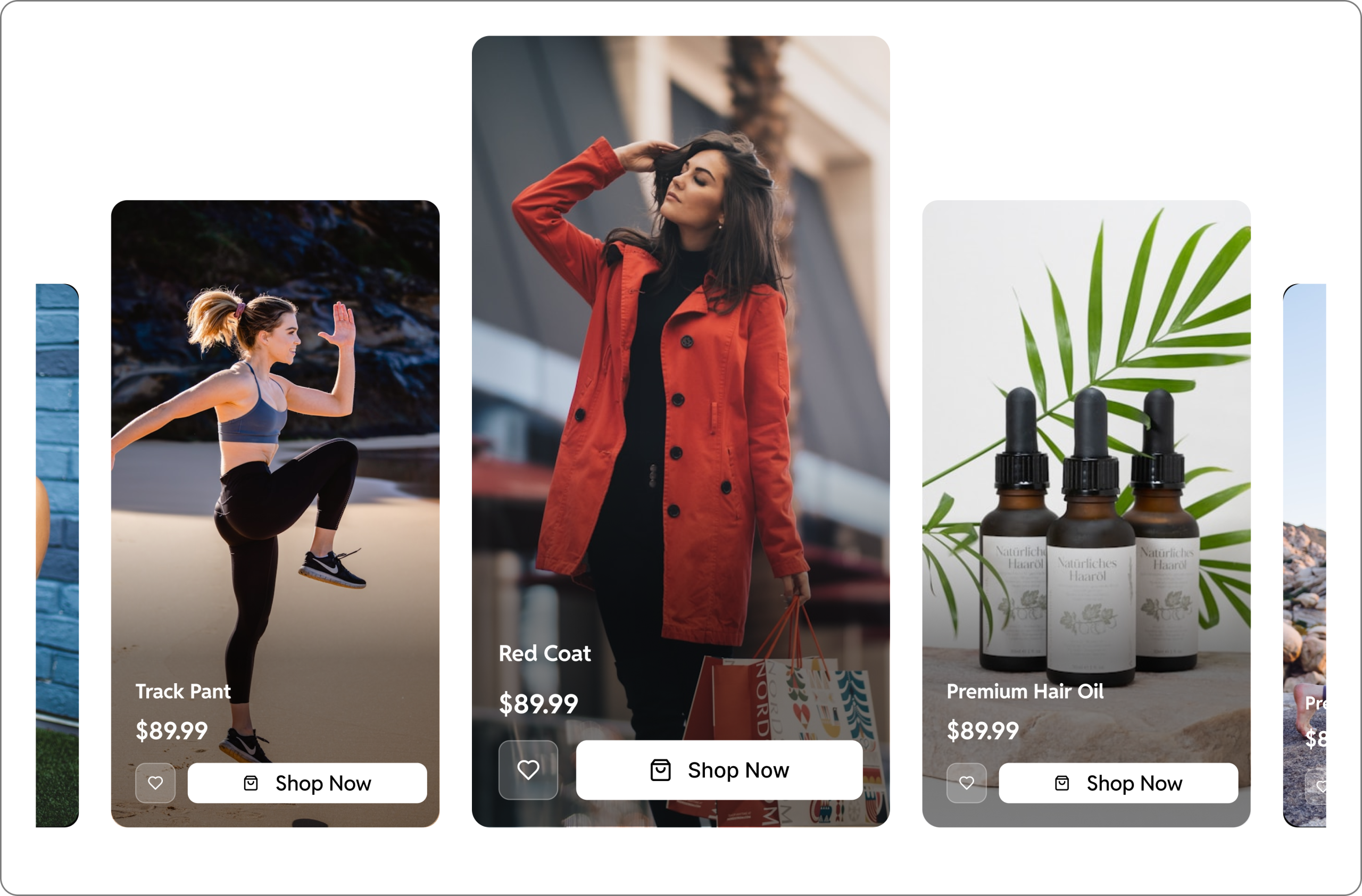


Static product images no longer cut it in today’s competitive eCommerce landscape. Shoppers want to see products in action before they buy – and the numbers prove it. Adding a video to a product page can boost eCommerce sales by up to 80%, with 84% of shoppers saying they’re more likely to purchase after watching a product video. WooCommerce doesn’t include built-in video support, so you will need a plugin to get there.
Why Product Videos Matter for Your WooCommerce Store
Before diving into the plugins, it’s worth understanding what’s at stake. Unlike static images, videos give customers a transparent, authentic look at your product – from every angle, in real use. They reduce purchase hesitation, lower return rates, and keep visitors on your page longer. Video content also benefits your SEO, as Google tends to prioritise pages with rich media, helping you rank higher and attract more organic traffic. Additionally, if you already invest in influencer or ugc videos, showcasing them on your site instantly builds trust and converts visitors into customers.
List of WooCommerce Product Video Plugins
Here are some of the best options available in 2026:
GoDAM – Shoppable Video Commerce for Online Stores
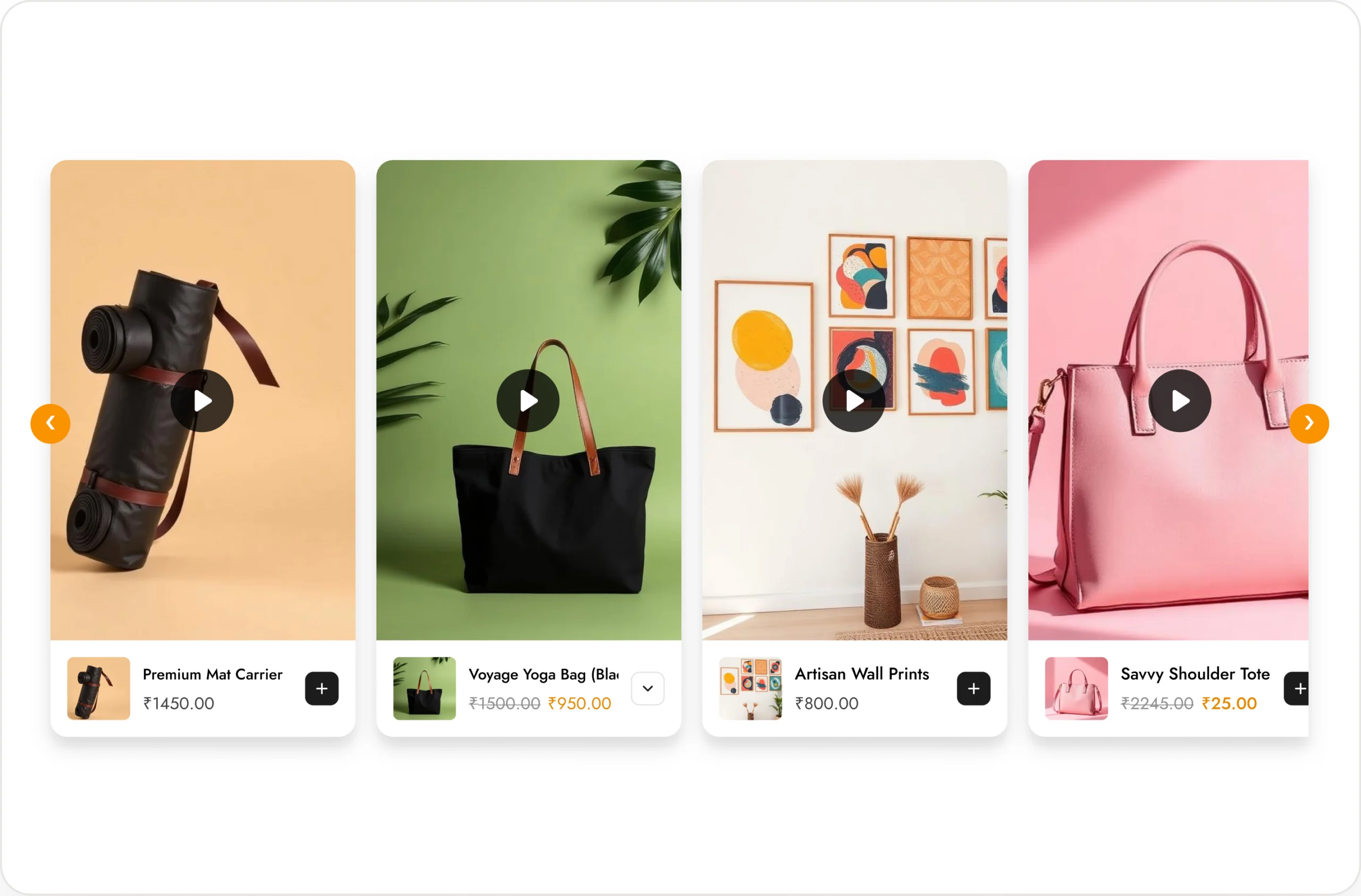
GoDAM is an all-in-one video commerce platform built specifically for WooCommerce stores. It allows you to seamlessly add product videos to your gallery and create engaging, reel-style shoppable video carousels – enabling customers to purchase directly from within the video, boosting conversions and increasing average order value (AOV).
Beyond commerce, GoDAM provides powerful media management tools, including cloud storage, CDN delivery, and organized folder structures to keep your assets streamlined. With built-in analytics, you can measure the performance and impact of your video and image content.
Features like interactive video hotspots turn passive viewers into active buyers, helping you convert traffic directly through immersive video experiences.
Key Features:
- Shoppable videos for boosting conversion
- Unlimited product videos and images in the gallery
- Supports cloud storage and CDN for fast loading
- Video analytics
- Video layers (In video forms, hotspots, CTA)
- Media library organization
- Product video SEO
- Branded and ad-free video player
Best for: WooCommerce store owners in fashion, beauty, lifestyle, or luxury goods who need a video commerce solution to boost conversion rate using reel-style shoppable videos. It also provides a great video infrastructure and supports video in the gallery.
Pricing: $7.5/month when you choose a yearly plan for unlimited sites.
WooGallery – Product Gallery Slider
WooGallery is a popular choice among WooCommerce store owners, with over 30,000 active installs. It upgrades the default product gallery into a responsive carousel slider with video support built right in – and one of its most powerful features is variation-specific galleries. When a customer switches between product variations (like colour, size, or style), the gallery automatically updates to show the videos and images relevant to that specific variant.
Key Features:
- Unlimited product videos and images in one gallery
- Supports YouTube, Vimeo, and self-hosted videos
- Variation-specific video galleries
- Custom video thumbnails and navigation icons
- Add videos to shop and category listing pages
- Fully responsive carousel slider layout
Best for: WooCommerce store owners who sell products with multiple variations.
Pricing: Free + Pro from $89/year for 1 site
Product Video for WooCommerce
This is the official product video extension built and maintained by the WooCommerce team itself. That means guaranteed compatibility with every WooCommerce update, consistent security patches, and direct support from the platform developers. It supports uploading your own videos or embedding from YouTube, Vimeo, Dailymotion, Facebook, and Metacafe. You can choose to play videos inline on the product page or launch them in a lightbox popup – whichever works best for your store’s design.
Key Features:
- Official WooCommerce extension with guaranteed compatibility
- Featured video and multi-video gallery support
- Inline playback or lightbox popup options
- Embed from YouTube, Vimeo, Dailymotion, Facebook, and Metacafe
- Custom video thumbnails
- Display videos on product listing and category pages
Best for: Store owners who prioritise compatibility and official support.
Pricing: Premium from $59/year for 1 site
WooThumbs by IconicWP
WooThumbs is a great WooCommerce product gallery addon. You get smooth zoom effects, advanced sliders, touch-friendly navigation, and rich video integration all in a single package. The result is that polished, premium feel that lifestyle and fashion brands depend on to build trust and drive conversions.
Key Features:
- Advanced product image zoom and slider effects
- Full video and image gallery integration
- Touch and swipe-friendly mobile navigation
- Gallery animations and smooth transitions
- Multiple gallery layout configurations
- WooCommerce product variation support
Best for: Online stores in fashion, beauty, lifestyle, or luxury goods.
Pricing: Premium from $79/year for 1 site
Video Gallery for WooCommerce
This plugin strikes an excellent balance between performance and features. The free version alone includes native WooCommerce gallery integration and SEO schema markup. Upgrade to Pro and you unlock multi-video storytelling (up to 6 videos per product), full YouTube embedding, and priority customer support. The plugin is lightweight by design. Individual video settings include autoplay, loop, mute, and full-screen controls.
Key Features:
- Free version includes SEO schema markup
- Up to 6 videos per product with Pro
- Autoplay, loop, mute, and full-screen controls per video
- Lightweight architecture for fast load times
- YouTube support in the Pro version
- Clean integration with the native WooCommerce gallery
Best for: Budget-conscious store owners.
Pricing: Free + Pro from $69/year for 1 site
YITH WooCommerce Featured Audio & Video
YITH’s plugin handles both audio and video content – making it a good choice for stores selling music, audiobooks, podcasts, online courses, or any audio-first product. It supports Vimeo and HTML5 video formats (MP4, WebM, and Ogg), with an adaptive height option that ensures your media player looks great on any screen size. It also includes RTL language support and plays nicely with other YITH plugins if you’re already using their ecosystem.
Key Features:
- Supports both audio and video content types
- Vimeo and other formats
- Adaptive height for fully responsive display
- RTL language support
- Seamless compatibility with other YITH plugins
- Clean, user-friendly media management backend
Best for: Stores selling music, courses, podcasts, or any product where audio is part of the experience.
Pricing: Premium from $59.99/year
Which Plugin Should You Choose?
If you’re looking for a simple setup combined with a high-performance video and image solution for your WooCommerce store, GoDAM is the ideal choice. It offers a complete, end-to-end infrastructure for both storing and displaying your media assets.
Your videos are securely stored in the cloud and delivered through a high-speed CDN, ensuring fast load times and a smooth user experience. On top of that, GoDAM’s shoppable video features enable customers to purchase directly from videos – helping boost conversion rates and drive higher revenue for your store.
Pro Tips Before You Install
- Compress your videos before uploading to keep page load times fast. Tools like HandBrake or Cloudconvert work well.
- Use a CDN (like BunnyCDN or Cloudflare) to deliver video files quickly to customers around the world.
- Enable lazy loading so videos only load when a visitor scrolls to them.
- Add captions for accessibility and to improve engagement for users watching without sound.
- A/B test with analytics your product pages – with and without video – to measure the actual conversion lift for your specific audience.
GoDAM handles all with no extra setup needed.
Final Thoughts
Adding product videos to your WooCommerce store is one of the highest-ROI improvements you can make. Any of the above plugins above will do the job well – the right choice simply depends on your store’s size, budget, and what you’re selling. Start with a free option to test compatibility with your theme, then upgrade once you’re confident it fits your workflow. The investment pays for itself quickly once shoppers can actually see what they’re buying.
Links: Video commerce | Shoppable videos | Start for free