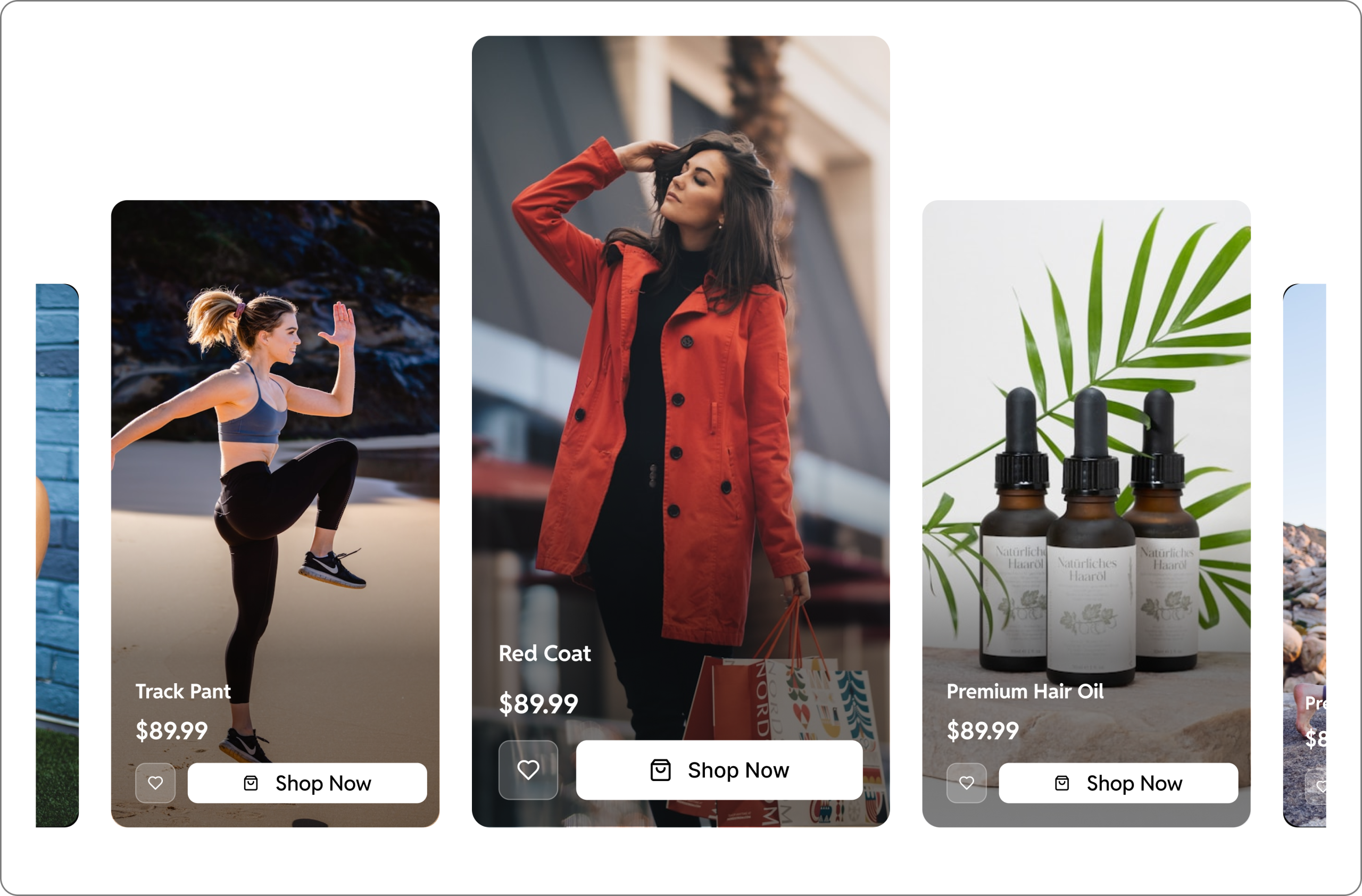


Interactive videos are transforming how businesses use video online. Instead of viewers passively watching and leaving, interactive videos allow users to click, answer, explore, and take action directly inside the video player.
For marketers, educators, and WooCommerce store owners, this means higher engagement, better lead generation, and more conversions.
If you are wondering how to make an interactive video, this guide will walk you through the entire process – from planning your video to publishing it using modern interactive video tools and platforms.
What Is an Interactive Video?
An interactive video is a video that contains clickable or responsive elements embedded within the video player. These elements allow viewers to interact with the content instead of just watching it.
For example, an interactive video may allow viewers to:
- Click on a product shown in the video
- Fill out a lead form without leaving the video
- Answer a poll or quiz question
- Click a call-to-action button
- Submit a testimonial or feedback recording
Because viewers actively participate, interactive videos usually achieve higher engagement and conversion rates compared to traditional videos.
This is why many brands, educators, and marketers are now adopting interactive video tools to improve the performance of their content.
Why Interactive Videos Are Becoming Essential
Traditional videos are great for storytelling, but they don’t always guide viewers toward taking action.
Interactive videos solve that problem by placing engagement opportunities directly inside the video experience.
Here are a few reasons why interactive video is becoming a key part of modern marketing strategies.
Higher viewer engagement
Interactive elements keep viewers involved and encourage them to participate while watching.
Better lead generation
Instead of placing forms below the video, you can collect leads inside the video when interest is highest.
Stronger conversion opportunities
Clickable hotspots and CTAs guide viewers directly from interest to purchase.
Real-time audience insights
Analytics from interactive videos show exactly how viewers behave and what they interact with.
Because of these benefits, many businesses are now searching for the best interactive video tool to incorporate into their websites.
Types of Interactive Video Elements
Before creating an interactive video, it helps to understand the common interactive components used by most interactive video platforms.
Clickable Hotspots
Hotspots are clickable areas placed on specific parts of the video.
These hotspots can link to:
- product pages
- landing pages
- pricing pages
- external resources
For example, imagine you run an online clothing store and publish a styling video. When viewers click on the jacket shown in the video, they are taken directly to the product page where they can purchase it.
This creates a shoppable video experience that shortens the path between discovery and purchase. Hotspots are one of the most popular features offered by modern interactive video platforms.
In-Video Lead Forms
Normally, websites place lead forms on landing pages or below blog posts. Viewers watch the video and then have to scroll down to fill the form.
With interactive videos, the form can appear directly inside the video player.
For example, imagine you are sharing a free course video. At the beginning of the video, a form appears asking viewers to enter their email to unlock the rest of the content.
This allows you to collect highly interested leads right when they are engaged with your content.
Another scenario could be a testimonial video where a form appears at the end asking viewers to book a demo or request more information.
Capturing leads at the moment of peak interest can dramatically increase conversion rates.
CTA in Video
Call-to-action buttons guide viewers toward the next step you want them to take.
Instead of placing CTAs below the video, interactive videos allow these buttons to appear at the exact moment when viewers are most engaged.
For example:
- A “Download App” button could appear during a product demo.
- A “Book a Consultation” button might appear right after a customer testimonial.
- A “Start Free Trial” button can appear during a feature explanation.
Because these CTAs appear within the viewing experience, they tend to generate more clicks and conversions.
Polls and Quizzes
Interactive videos can also include polls or quizzes that appear during playback. These questions allow viewers to participate while watching the video.
Example: A training video may pause to ask “Which feature do you find most useful?”
User Generated Content Capture
Some advanced interactive video tools allow users to record video testimonials, audio messages, and screencasts directly inside forms. This is powerful for collecting UGC and customer feedback. GoDAM Forms recorder is one such tool that helps you collect video feedback directly from videos.
How To Make an Interactive Video
If you are using WordPress, you can easily create an interactive video using GoDAM.
Step 1 (Install & Activate): First, sign up for a free account on godam.io and install the GoDAM plugin on your WordPress website. After installation, go to the Settings tab in GoDAM and connect your license key.
Step 2 (Upload Your Content): Next, upload your video through the WordPress Media Library.
Step 3 (Add Interactive Layers): Once the video is uploaded, open the GoDAM Video Editor and select the video you want to make interactive. Inside the editor, move to the timestamp where you want the interaction to appear and click Add Layer. A popup will open where you can choose the type of interactive element you want to add.
You can add:
- Hotspot Layer – Place clickable hotspots on the video. These can redirect viewers to product pages, links, or display additional text or information.
- Forms Layer – Embed lead capture forms directly inside the video. GoDAM supports 8+ form integrations, so you first create the form in the supported form plugin and then select it in the video editor to embed it.
- CTA Layer – Add call-to-action elements such as buttons, text prompts, or cards that encourage viewers to take action.
- Poll Layer – Install the WP-Polls plugin, create your polls there, and then select them in the GoDAM editor to display them inside the video.
After adding and customizing your layers, save the video.
Step 4 (Embed & Deploy): To display the interactive video on your website, go to the page or post where you want it to appear. GoDAM works with Gutenberg, Elementor, and WPBakery, so simply add the GoDAM video block, widget, or element depending on the editor you are using. Select your video, optionally adjust the video SEO settings, and publish the page.
Your interactive video is now live and ready for viewers to watch and interact with.
Analyze Viewer Engagement with Video Insights
Creating an interactive video is only the first step. The real advantage comes from understanding how viewers interact with your content.
Most interactive video platforms provide analytics such as:
- Number of video plays
- Engagement rate and watch time
- Heatmaps to understand drop-offs
- Performance comparison to understand which content is working best
- Understanding geo traffic data
These insights reveal which videos are performing well and which ones need improvement. By analyzing viewer behavior, marketers can refine their video strategies and focus on content that drives results.
Choosing the Best Interactive Video Tool
To create interactive videos easily, you need a platform that provides the right set of features.
The best interactive video tool should allow you to:
- upload and manage videos easily
- add interactive layers such as forms, hotspots, and CTAs
- track viewer engagement and analytics
- embed videos directly into your website
- customize interactions to match your brand
For WordPress users, using an interactive video platform that integrates directly with WordPress makes the process much smoother. Interactive video platforms like GoDAM allow you to publish interactive videos natively on WordPress with a no-code builder.
Final Thoughts
If you are already investing in video marketing, adding interactive elements can significantly increase your video marketing ROI by turning viewers into leads, customers, and engaged users. Learning how to create interactive videos is one of the most effective ways to improve engagement, conversions, and the overall impact of your video strategy.
Links: Interactive videos | Video commerce | Shoppable videos | Start for free